12
ENG
Locking a video file from being overwritten or deleted
To block the current video file from being overwritten or deleted, press the file lock button in video recording mode. A lock indicator
appears in the upper right corner of the screen in the form of a padlock. To cancel the lock, press the file lock button again. To block an
existing video file from being overwritten and deleted, press the file lock button while selecting a file to view.
Video files viewing
You can view video files on the car video recorder itself (with external power on).
It is also possible to view on a PC with codecs installed to play TS format files encoded in H.265. To do this, disconnect the video recorder,
remove the memory card and connect it to a PC using a card reader (included).
Connecting the device to the application
The app provides the ability to view and save video files on your mobile device, as well as access to control settings of the video
recorder. The link to the app in the App Store and Google Play can be found by scanning the QR-code on the box of the device. For
a detailed description of how to connect to the app and its features, please refer to the full user manual, which is available at
canyon.eu.
TROUBLESHOOTING
WARNING! Disconnect the device from the power supply immediately if it is not working properly. Do not try to repair the device yourself,
it may cause damage.
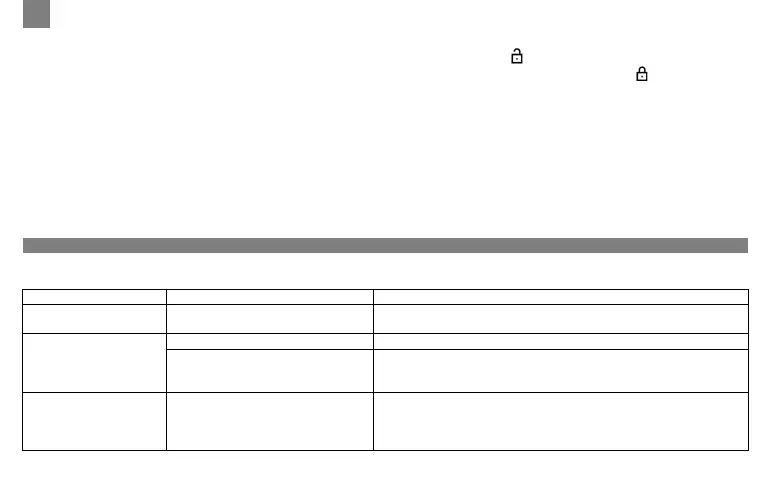
Fault Possible cause Remedy
The device does not turn on
The device is not connected to a
power source
Check that the device is connected to a power source
Unable to record video
file
No microSD card installed Insert the microSD card into the device
The memory card is full of files that
are protected from being overwritten
or deleted
Delete unnecessary files via the recordings menu or format the
memory card (you can read about how to do this in open sources)
Video recordings cannot
be viewed
The card is faulty. The speed or
capacity of the memory card does not
meet the minimum requirements of
the car video recorder
Use a microSD (SDHC/SDXC) card with a read/write speed of at
least 10 MB/s of up to 128 GB (class 10 or higher)



 To Next Page
 Loading...