Instruction manual DD610BK
37
Please keep this instruction manual for future reference
STOP DELAY TIME:
The fan motor should continue operating for another 10-20 minutes every time the hob has been
used for cooking. When the fan is switched off after having been in operation for at least 15
minutes, an automatic time lag at a low setting will follow for around 15 minutes.
This guarantees optimal functioning and the removal of remaining cooking steam. When using
a recirculating air lter, please always allow for a stop delay time of 10 - 60 minutes in order to
optimally remove cooking odours.
When the fan is switched on again, in rare cases the odour molecules present in the lter may
be combined with steam so that they are detected again. These remaining odours will disappear
when the fan continues to operate.
IMPORTANT:
When the convection air mode is in operation, ventilation must be sufcient in order for the air
humidity to be removed.
REPLACEMENT OF THE FILTER :
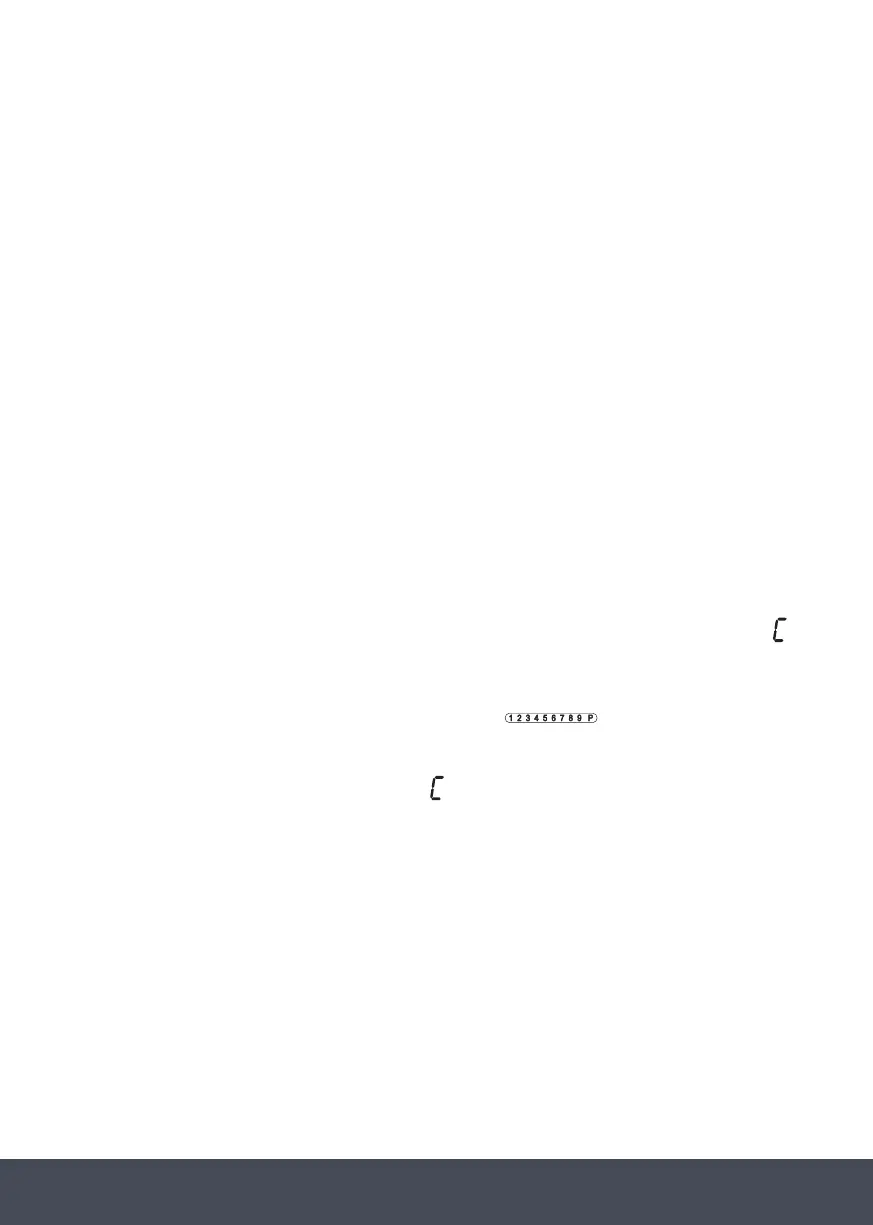
If an existing carbon lter must be cleaned or replaced, this is indicated in the fan display by a
.
REPLACEMENT OF THE FILTER
If an existing carbon filter must be cleaned or replaced, this is indicated in the fan display by a
When the fan is switched on, the display for a cooking process is deleted.
must be pressed To reset the display, the fan display and the touch control
simultaneously for approx. 3 seconds.
If no carbon filter is used, the display indication must also be reset.
.
When the fan is switched on, the display for a cooking process is deleted.
To reset the display, the fan display and the touch control
.
REPLACEMENT OF THE FILTER
If an existing carbon filter must be cleaned or replaced, this is indicated in the fan display by a
When the fan is switched on, the display for a cooking process is deleted.
must be pressed To reset the display, the fan display and the touch control
simultaneously for approx. 3 seconds.
If no carbon filter is used, the display indication must also be reset.
must be pressed
simultaneously for approx. 3 seconds.
If no carbon lter is used, the display indication
.
REPLACEMENT OF THE FILTER
If an existing carbon filter must be cleaned or replaced, this is indicated in the fan display by a
When the fan is switched on, the display for a cooking process is deleted.
must be pressed To reset the display, the fan display and the touch control
simultaneously for approx. 3 seconds.
If no carbon filter is used, the display indication must also be reset.
must also be reset.


 To Next Page
 Loading...