14 CaptionCall
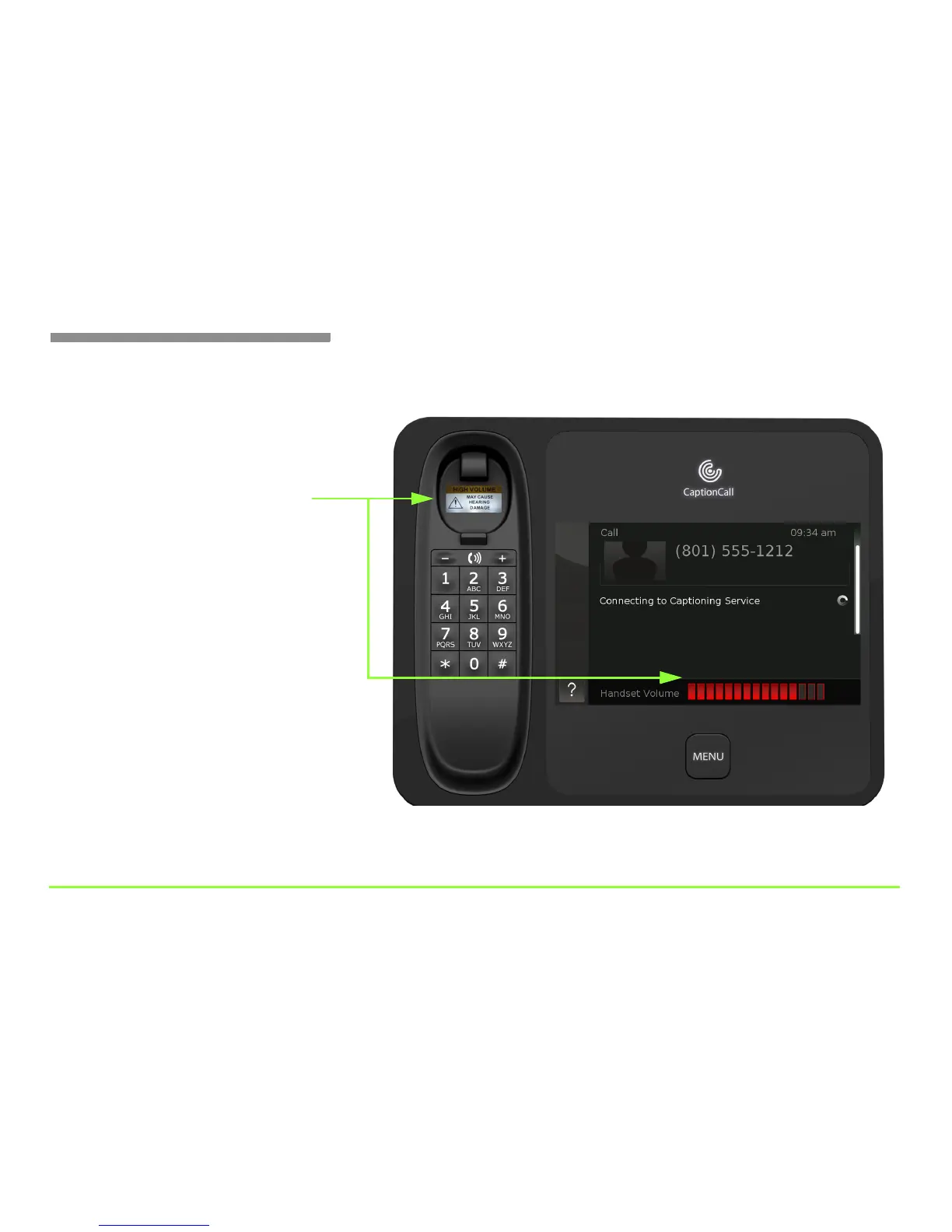
The Handset Volume indicator will change color as you increase the
volume. The bars will change from green to yellow and finally to red.
As shown above, a warning light will appear in the handset cradle
whenever the Handset Volume indicator turns red. Be careful not to
adjust the volume too high to avoid damaging your hearing.
Step 3 — Look for the warning light
Light comes on when the volume is set into the red
Automatic Volume Reset
The phone will automatically reset the
volume back to its default “green” setting
after each call. You can turn off this
feature. See Page 87 your CaptionCall
User Guide for more information.



 To Next Page