16 CaptionCall
Step 2: Wait for the CaptionCall service to connect your call.
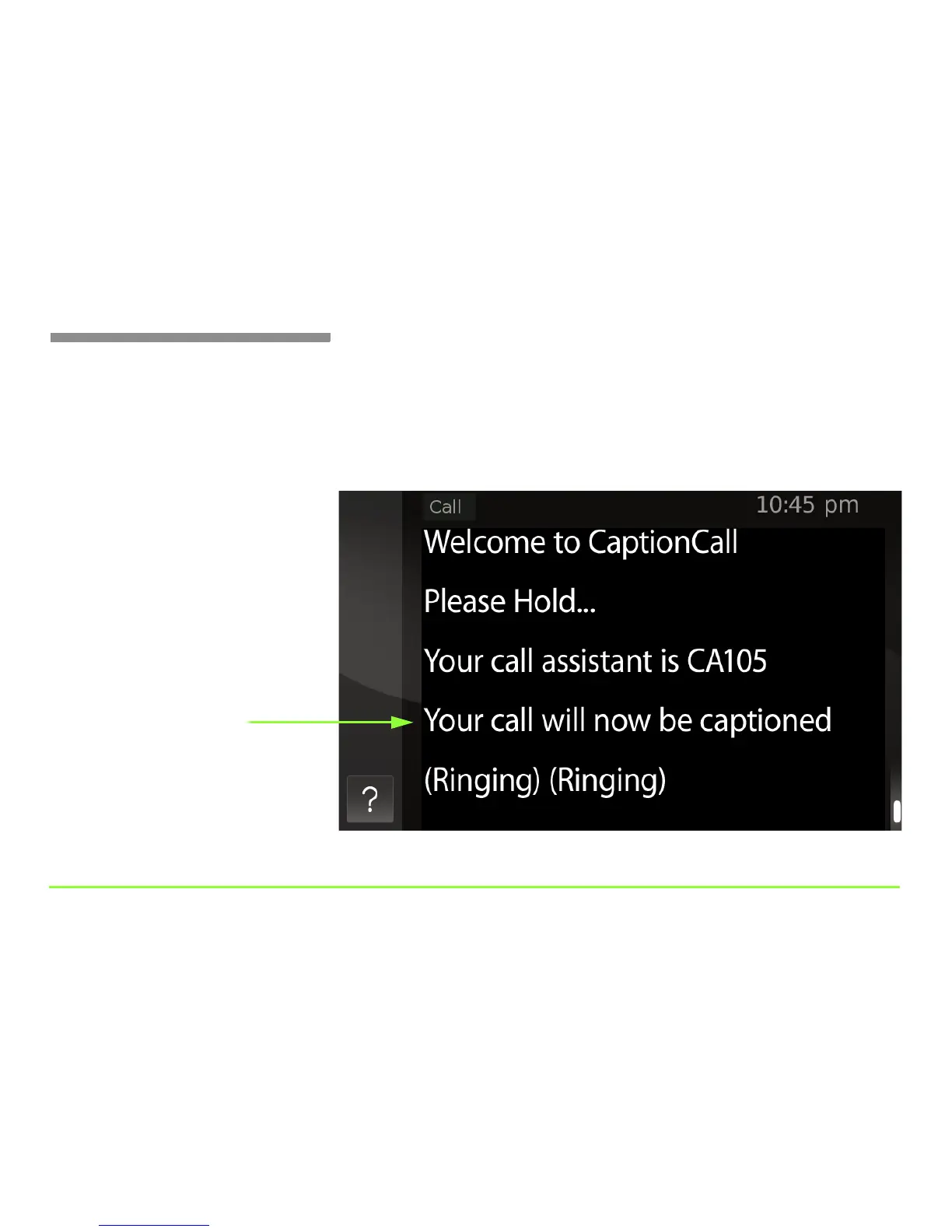
As your call is being connected, you’ll see a message appear on the display
screen like that shown in the figure below. Once you see the message
“Your call will now be captioned,” you are connected to the captioning
service. You’ll see captions from that point forward during the call.



 To Next Page