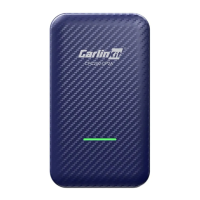
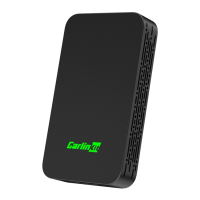
Wired connection method: Plug the USB port at the bottom of the product box into
the other end of the cable and connect it to the charging port on the mobile phone
side to use it wired
Cautions:
1. Wired connection to open the mobile phone Bluetooth
2. Wireless connection needs to ensure that the phone is turned on Bluetooth and
wifi at the same time (to turn off the original car Bluetooth and Wifi and mobile
phone Bluetooth and wifi is not occupied by other devices)
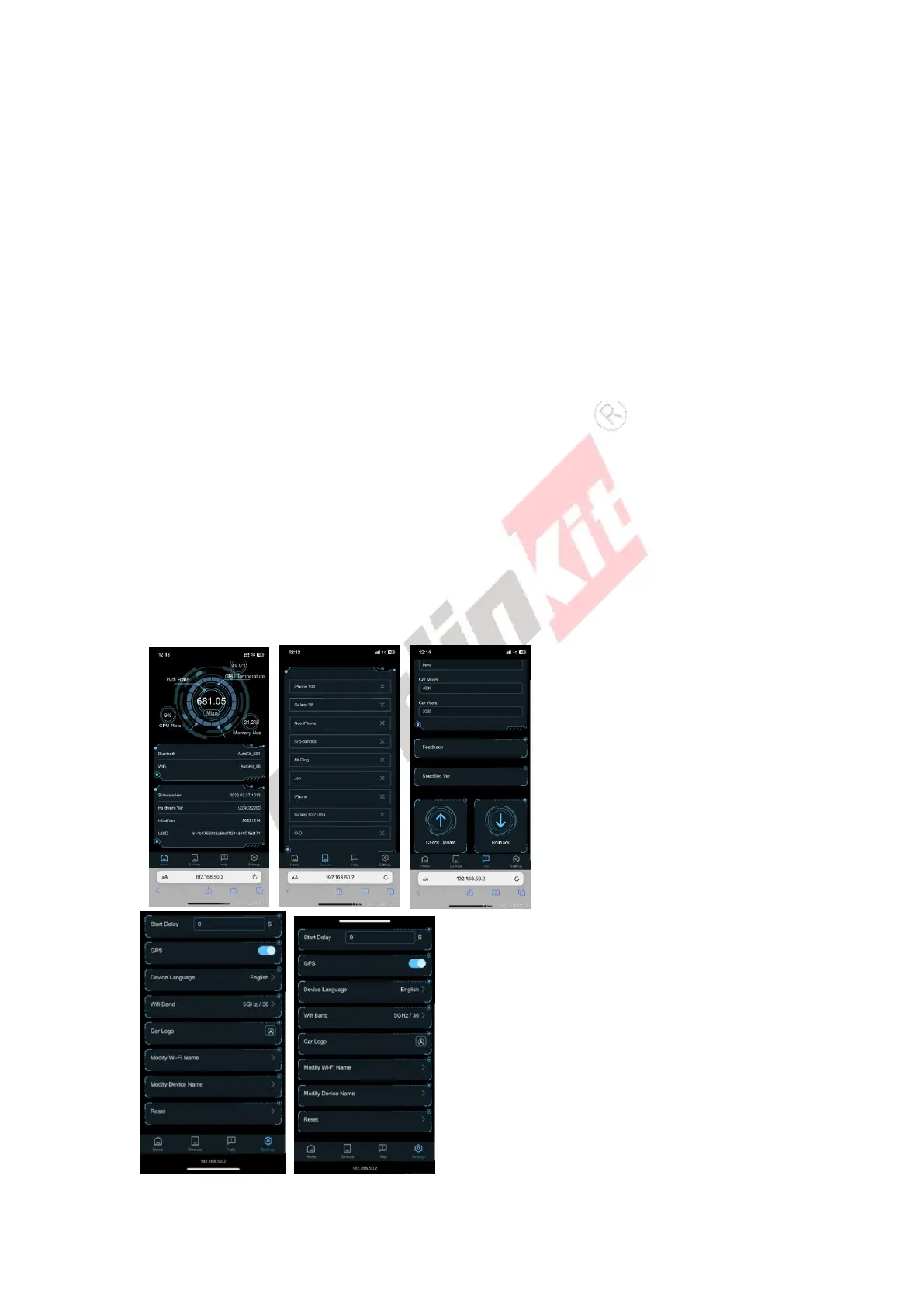
How to visit website backstage/192.168.50.2:
Method 1:
1. Search the box WiFi (Autokit_**) on your phone, enter the password 12345678
2. After successful connection, visit 192.168.50.2 in safari to enter the background
Method 2(Suitable for Android phones):
1.carlinkit.com/Autools.html Download and install the APK
2.Open the AutoKitools app and connect to the box's WiFi in the list of available devices, which is
named "AutoKit or your car'name_****".
3.In the new page, you can upgrade, modify settings, give feedback, etc.
Video Tutorials :https://youtu.be/SU1xzIvjTUc


 To Next Page