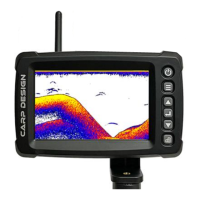
6. Cable of antenna
7. Batteries holder
8. Remote control antenna
9. Transducer antenna
10. Velcro patchs
11. USB cable for the screen
12. Shockproof box (not illustrate)
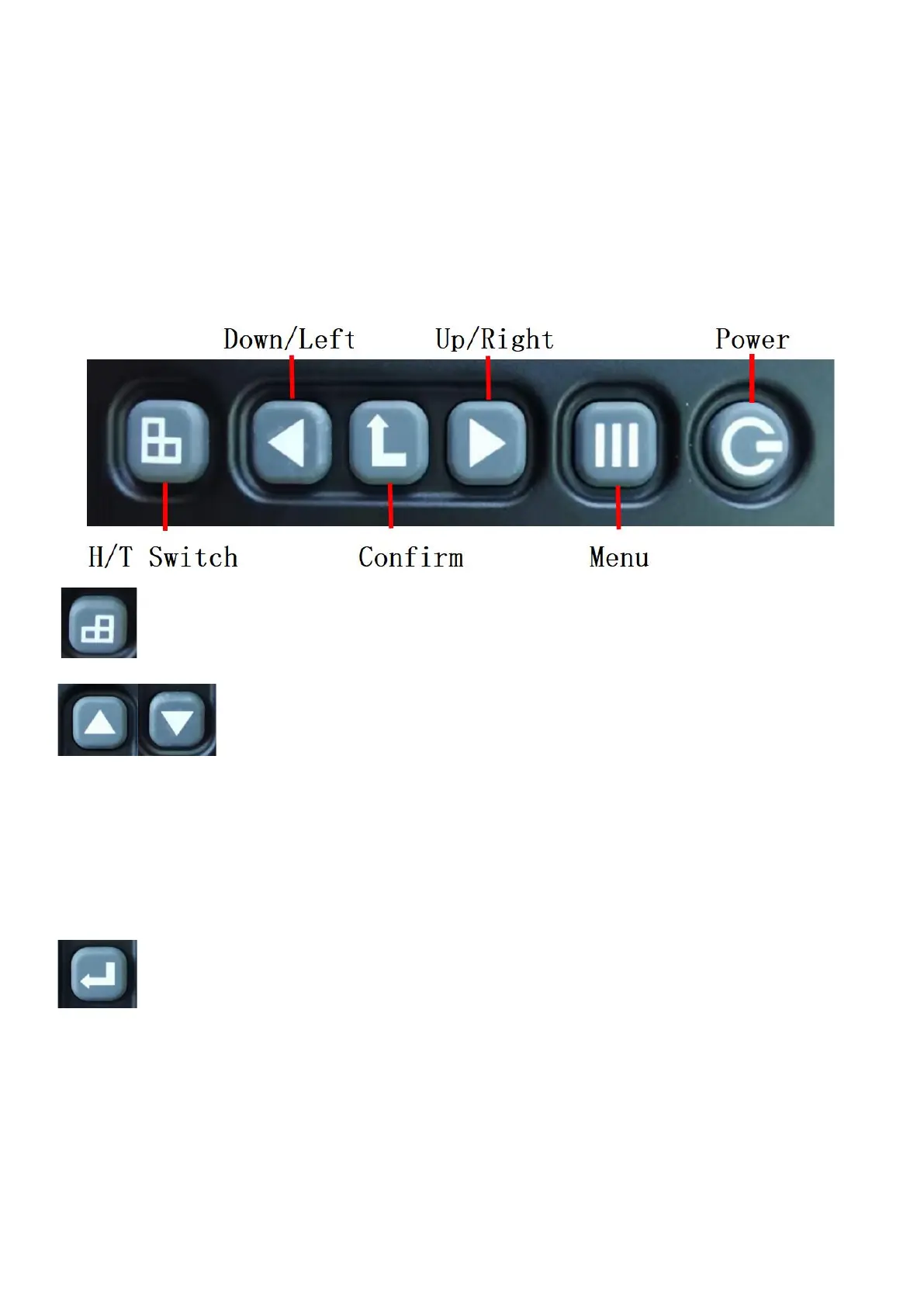
6. Key definition
6.1 Horizontal/portrait display switch key
6.2 Right & left/Up & down
When pressing the On/Off button to enter the menu, the left and right buttons can move up and down to select the option
that needs to modify data. When the background color of the menu item is red after you confirm the selection, you can
modify the content of the selected option by left or right clicking.
After manual gain function is enabled, click the up and down button to adjust the value of the gain in the interface of
fishing finder.
6.3 Confirm/Enter key
Confirm: In the menu state, press the Confirm key to select the menu item. After the selection, the background color of
the menu item changes from black to red. Red indicates the menu item selection state, and the menu item is in the
adjustable state. You can use the left and right arrow keys to modify the settings of a menu item. Once the Settings of
a
menu item appear on the screen, the system immediately performs operations based on the new settings. Press the
"Confirm" button again to exit the selected state. The background color of the menu item changes from red to black. At
this time, the left and right arrows can be used to move the menu item up and down.
Exit: In the menu state, long press this key to exit the menu and display the main interface. Automatic gain/manual


 To Next Page
 Loading...