33GB
Select the brush attachment and speed setting according to your
personal needs.
NOTE: If you have sensitive skin, start with speed setting 1. You may
proceed with speed settings 2 and 3 if no irritation occurs.
The facial cleansing brush is equipped with a one-minute timer.
This is the ideal duration to ensure deep cleansing.
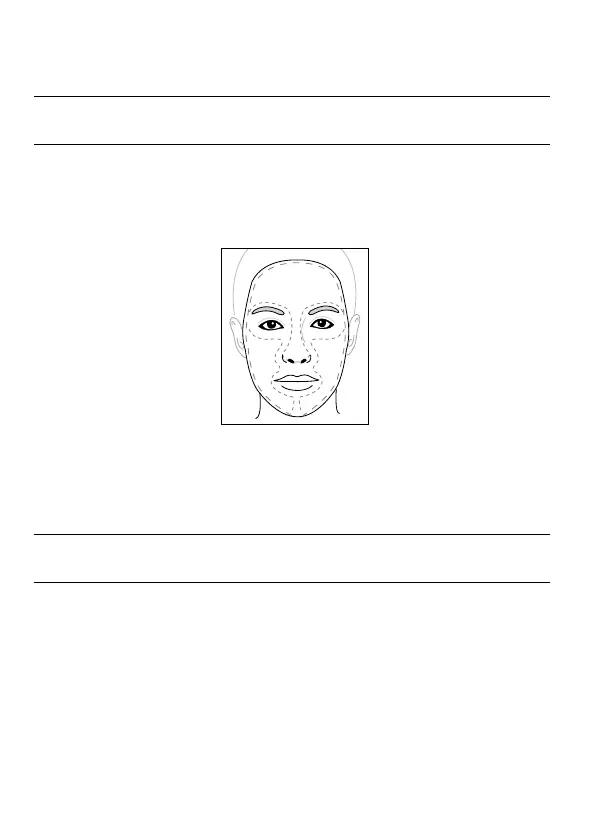
We recommend cleansing the following 3 sections: T-zone (1),
right side (2), left side (3).
Fig. 2
.
1
2 3
Fig. 2
In order to indicate that it is time to move to the next section, the facial
cleansing brush stops briefly at 20-second intervals.
The appliance switches off automatically after a cleansing duration of
1 minute.
NOTE: If you change the speed setting during the cleansing process,
the timer will reset and restart at zero.



 To Next Page