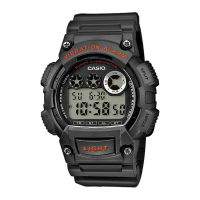
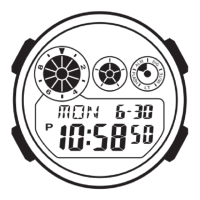
Operation Guide 3455
E-28
Power Supply: One lithium battery (Type: CR1620)
Approximate battery operating time: 10 years under the following conditions:
x One alarm operation (10 seconds) per day
x One illumination operation (1.5 seconds) per day
Frequent use of illumination runs down the battery.
Specifications are subject to change without notice.
E-27
Specifications
Accuracy at normal temperature: ±20 seconds a month
Timekeeping: Hour, minutes, seconds, p.m. (P), month, day, day of the week
Time format: 12-hour and 24-hour
Calendar system: Full Auto-calendar pre-programmed from the year 2000 to 2099
Alarms: Daily alarm; Hourly time signal
Stopwatch:
Measuring unit: 1/100 second
Measuring capacity: 23:59' 59.99"
Measuring modes: Elapsed time, split time, two finishes
Dual Time: Hour, minutes
Illumination: LED (light-emitting diode); Selectable illumination duration
(approximately 1.5 seconds or 3 seconds)
E-26
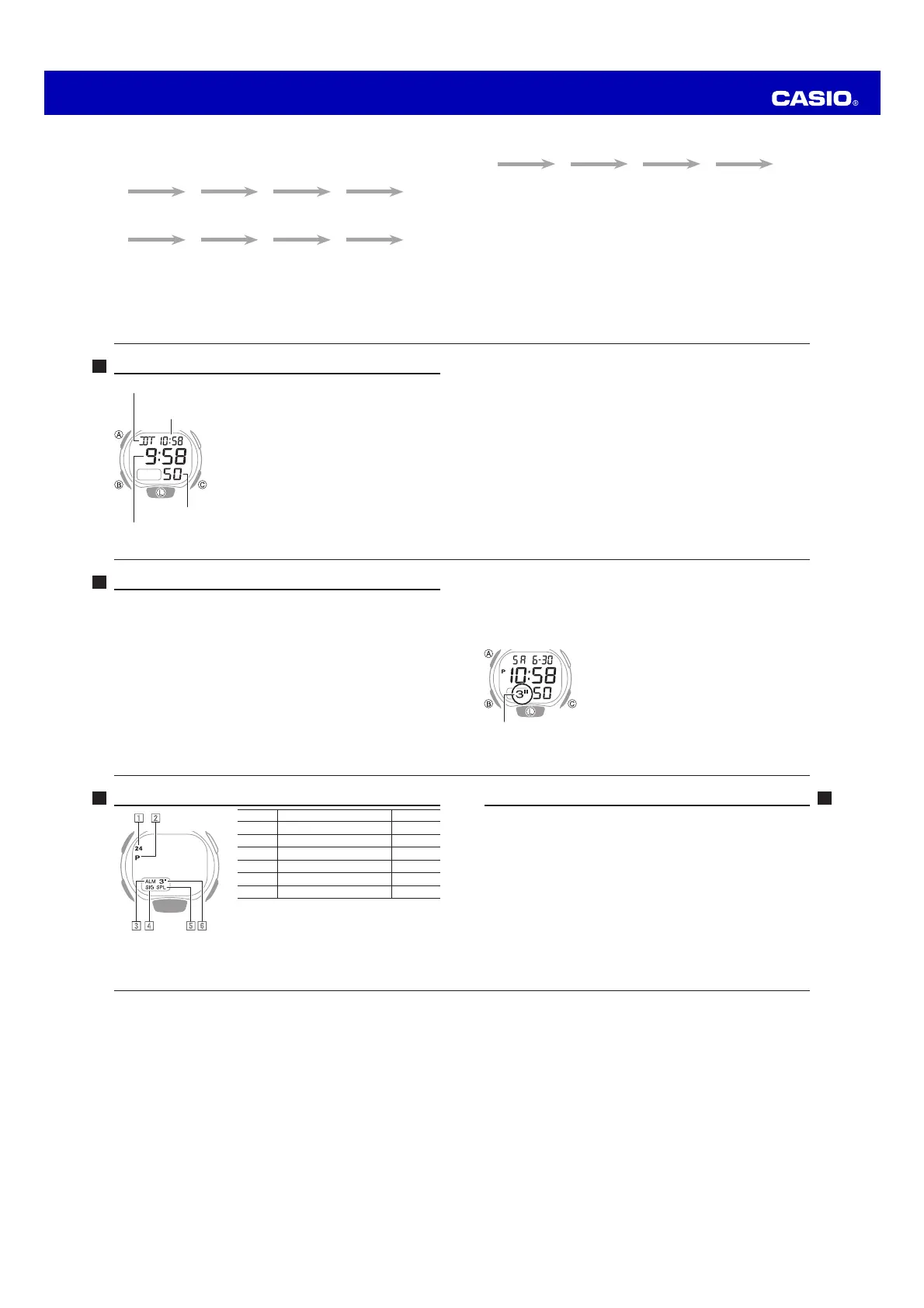
Main Indicators
Number Name See
1
24 indicator E-14
2
PM indicator E-11
3
Alarm on indicator E-16, E-17
4
Hourly time signal on indicator E-17
5
SPL indicator E-20
6
Three-second indicator E-25
1 2
4 53 6
E-25
To change the illumination duration
In the Timekeeping Mode, hold down C for at least two seconds to toggle between
the illumination duration settings below.
− Approximately 1.5 seconds: 3"-second indicator not displayed.
− Approximately three seconds: 3"-second indicator displayed.
x Pressing C in the above operation also toggles between the 12-hour and 24-hour
timekeeping formats.
x To prevent running down the battery, the watch will
automatically switch back to the 1.5-second setting
about seven hours after you select the three-second
setting.
Three-second indicator
E-24
Illumination
You can illuminate the display of the watch for easy reading in the dark.
To turn on illumination
Press L in any mode to illuminate the display.
x Illumination normally remains on for about 1.5 seconds. You can use the procedure
below to change the illumination to three seconds.
Note
x Illumination turns off automatically whenever an alarm sounds.
E-23
3. Use C to change the hour and minute settings.
4. Press A to exit the setting mode.
x In the Dual Time Mode, the seconds count is synchronized with the seconds
count of the Timekeeping Mode.
E-22
Dual Time Mode
The Dual Time Mode lets you keep track of the time
in another time zone.
x The P (PM) and 24 indicators are not displayed with
the current (Timekeeping Mode) time at the top of
the Dual Time Mode screen.
To enter the Dual Time Mode
Use B to select the Dual Time Mode as shown on
page E-9.
To set the Dual Time
1. Hold down A until the dual time hour digits start
to flash.
2. Press B to move the flashing between the hour
and the minute digits.
x The selected digits are those that are flashing.
Mode indicator
Timekeeping Mode time
(Hour : Minutes)
Hour : Minute
Seconds
E-21
To measure two finishes
C
A C A A
Start Split
(SPL displayed)
First runner finishes.
Display time of first
runner.
Stop
Second runner
finishes.
Split release
Display time of
second runner.
Reset
Note
x An ongoing elapsed time measurement operation will continue internally even if
you change to another mode. However, if you exit the Stopwatch Mode while a
split time is displayed, the split time will not be displayed when you return to the
Stopwatch Mode.
E-20
To enter the Stopwatch Mode
Use B to select the Stopwatch Mode as shown on page E-9.
To perform an elapsed time operation
C
C C C A
Start Stop (Resume) (Stop) Reset
To pause at a split time
C
A A C A
Start Split
(SPL displayed)
Split release Stop Reset


 To Previous Page
 Loading...