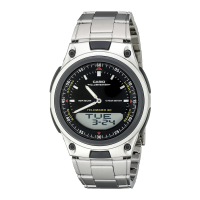
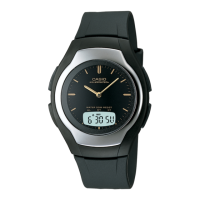
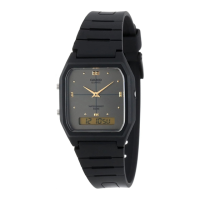
User’s Guide 5640
E-19
Alarm Mode
Toggle on and off.
Scrolls alarm screens.
x A (two seconds): Displays alarm time setting screen.
C: Selects hour or minutes.
B, D: Use to change the selected setting.
x A: Exits the setting screen.
x From 60 minutes before the alarm time is reached, the alarm mark will start to flash and a
countdown will appear in the Timekeeping Mode.
E-18
Countdown Timer Mode
Start/Stop
Reset
x A (two seconds): Displays timer time setting screen.
C: Selects minutes or seconds.
B, D: Use to change the selected setting.
x A: Exits the setting screen.
E-17
Stopwatch Mode
Start/Stop
Split/Reset
D
D A
Start Stop Reset
E-16
World Time Mode
Scrolls the selected city.
x A + B: Swaps Home Time and World Time.
x Holding down A for at least two seconds will toggle summer time (DST) between on and off.
E-15
Timekeeping Mode
Turns on illumination.
x A: Changes digital display contents.
Month, day, day of the week Month, day, second Hour, minute, second
E-14
Mode Selection and Operations
x Press C to change the mode.
x To return to the Timekeeping Mode from any other mode, hold down C for at
least four seconds.
Timekeeping Mode
World Time Mode Alarm Mode
Stopwatch Mode Countdown Timer Mode
C
C
C
CC
E-13
Screen This setting item: Operation
/
Enabling and disabling the button tone
KEY : ON (enabled)
MUTE: OFF (disabled)
Press D.
/
Display illumination duration
[ ]: Approximately 1.5 seconds
[ ]: Approximately 3 seconds
Press D.
/
Enabling and disabling power saving
Press D.
4. Press A to exit the setting screen.
E-12
3. Use B and D to change the selected setting.
Screen This setting item: Operation
Home City
Use D (East) and B (West).
Summer time
AUTO: Auto switching using signal
data
OFF: Standard time
ON: Summer time
Press D.
Toggle between 12-hour (12H) and
24-hour (24H) timekeeping
Press D.
Reset the seconds to 00
x 30 to 59 seconds: Adds 1 to minutes
Press D.
Change the hour or minute
Use D (+) and B (–).
Change the year, month, or day
Use D (+) and B (–).
E-11
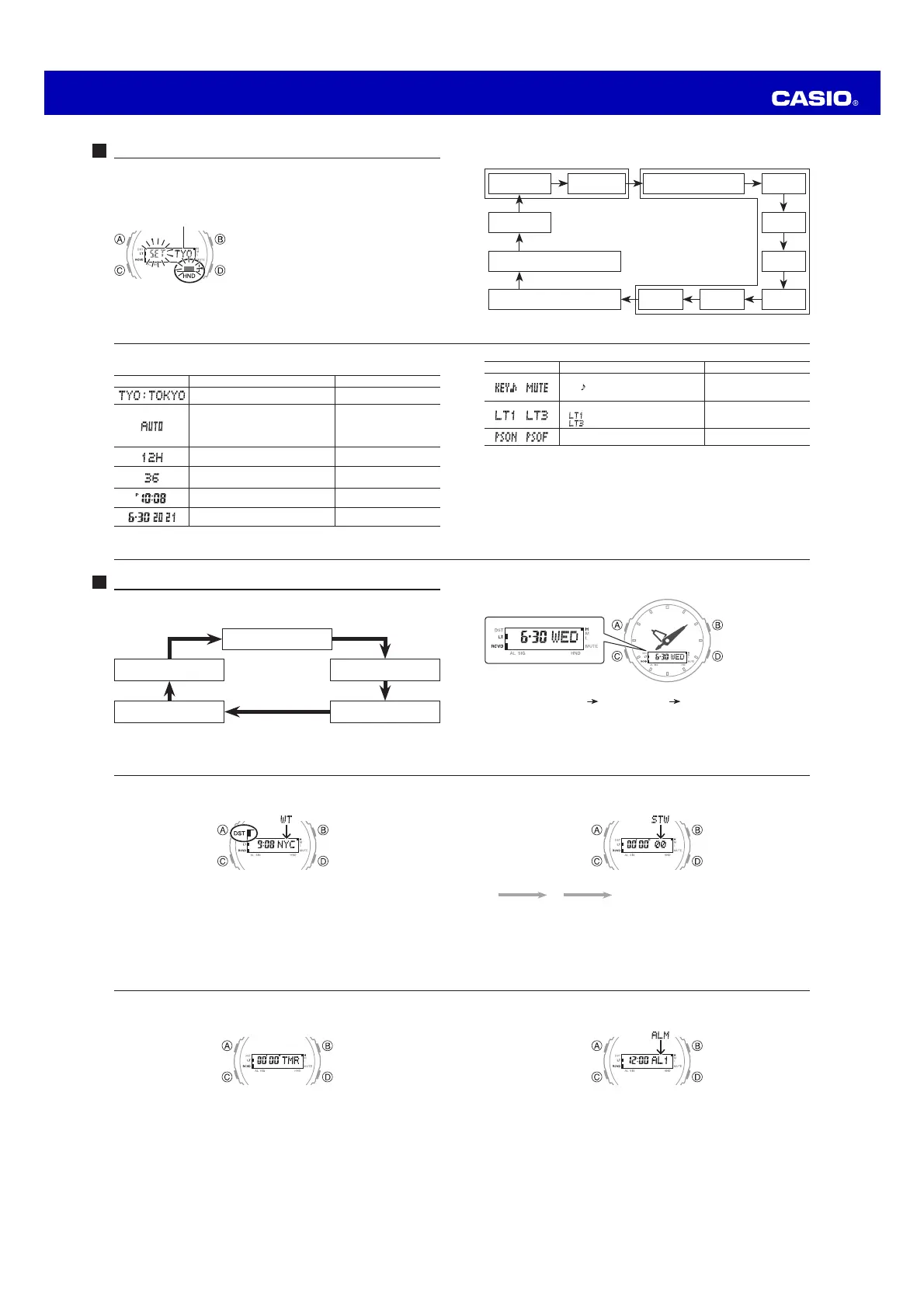
2. Press C to move the flashing in the sequence shown below to select a setting.
Home City and Summer Time Time and Date
City Code
C
DST
C
12/24-Hour Format
C
Seconds
C
C
Power Saving Hour
C C
Illumination Duration Minute
C
C
Button Operation Tone On/Off
C
Day
C
Month
C
Year
E-10
Configuring Home City, Time and Date Settings Manually
x Be sure to set your Home City before using this watch.
x If you are in an area where a signals cannot be received, adjust time and date
settings manually.
To configure Home City, time, and date settings manually
1. In the Timekeeping Mode, hold down A for at
least two seconds until ADJ is displayed.
When you release A, the city code and city name
will scroll from right to left. This is the setting
screen.
x The hour and minute hands will automatically
move out of the way at this time.
City code


 To Next Page
 Loading...