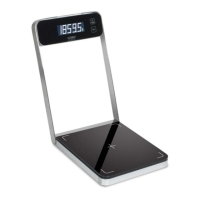
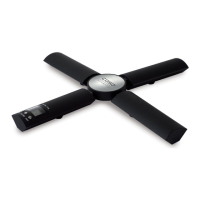
caso Waage X3 22
13.3.2 Tarafunction
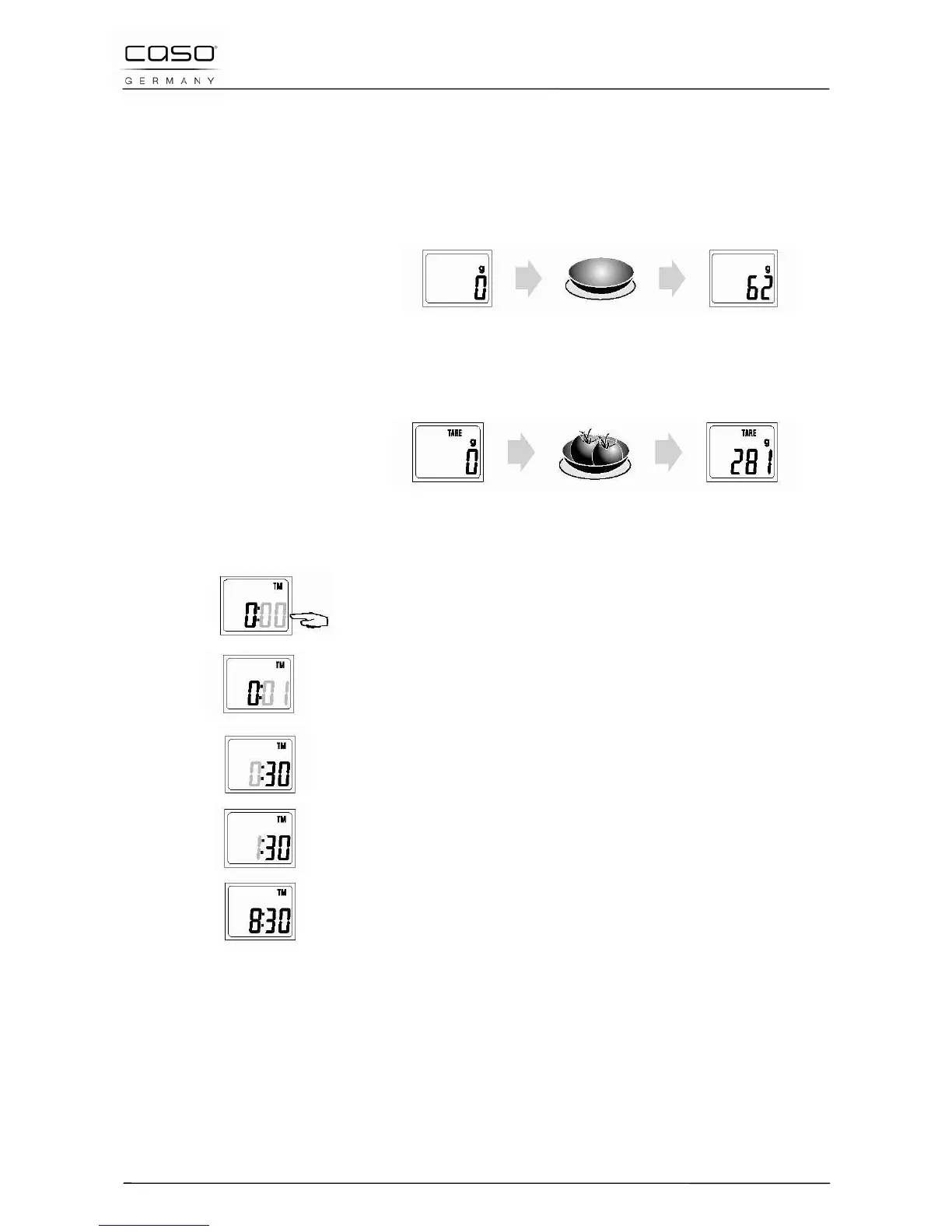
Step 1. Under the weight state, put the container on the
scale surface, LCD will show the weight of container.
Step 2. Press the key of „ON/TARE“ 1x, the LCD shows
zero and clears the weight of container. Then put the
food into the container, the weight of food will appear
on the display.
13.3.3 Time setting
The system is under the state of time (Tm-Modus). Press
„MODE“ for 3 sec..
Minute will twinkle on the display, then press „Unit“ slightly,
setup the minutes.
Press „MODE“ slightly, hour will twinkle on the display. Press
„Unit“ slightly, setup the hours.
After finishing the setting, press „MODE“, then the LCD display
shows the new time.


 To Next Page