Turn off
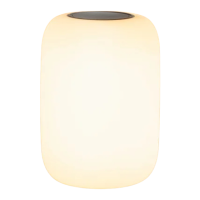
Feeling sleepy? Flip Glow over at any point,
and it’s lights out.
Schedule a wake-up
For a little help getting up in the morning, use the App
to schedule a wake-up. Set a time, and the light will
slowly brighten to help ease you into the morning.
Charge
Place on the charging base so the charging rings
(
on either end of Glow
)
and pins make contact.
• Amber pulse indicates charging
• 3 amber pulses indicates low battery
Power on or off
Press and hold the button for 6 seconds to power off.
Press and hold again to power on.
• When off, Glow will stop responding to gestures
• Power off for travel
6s
Warranty
Learn about our limited warranty at
casper.com/warranty
Support
Our team is available seven days a week to
answer every question under the moon.
1-833-220-4569
support@casper.com
casper.com/faq
6 times
Factory reset
Press one of the buttons 6 times while holding the
other button down.
• Returns to default settings
• Will be removed from any groups
~30s
Reboot
If Glow is unresponsive or on the fritz, a reboot
may fix it. Press and hold both buttons until Glow
turns on briefly. This takes about 30 seconds.


 To Next Page