44 CCV Fly A77 - First steps
Payment app Menu
You can start special functions by using SECpos EVO/acCEPT menu.
Functions as:
Diagnosis | Conguration diagnosis | EMV diagnosis
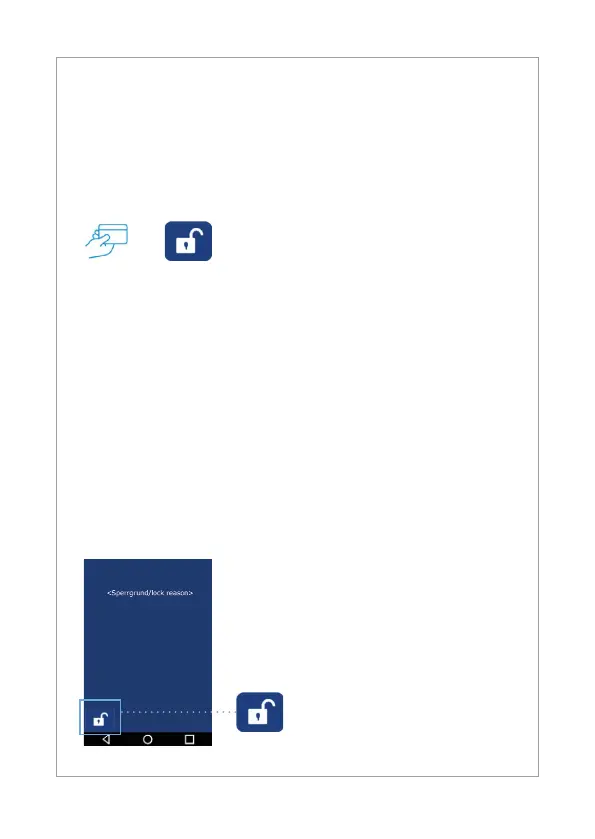
If there is a payment lock (app SECpos EVO/acCEPT) – you can unlock by
pressing the unlock button or starting the needed function.
Locks can be:
• Day-end closure lock (unlock → start reconciliation with closure/
Day-end closure)
• Initialisation lock (unlock → start initialisation)
• Diagnosis lock (unlock → start diagnosis)
• Startup lock/out of order lock
(solution → start “app2pay” startup process)
→
Start payment app menu:
- Start payment app
- Press menu button
- Enter menu PIN (example 000000)
- Select function
Example:
- Diagnosis lock
- Solution → press unlock button
The unlock button automatically start
the needed function.



 To Next Page