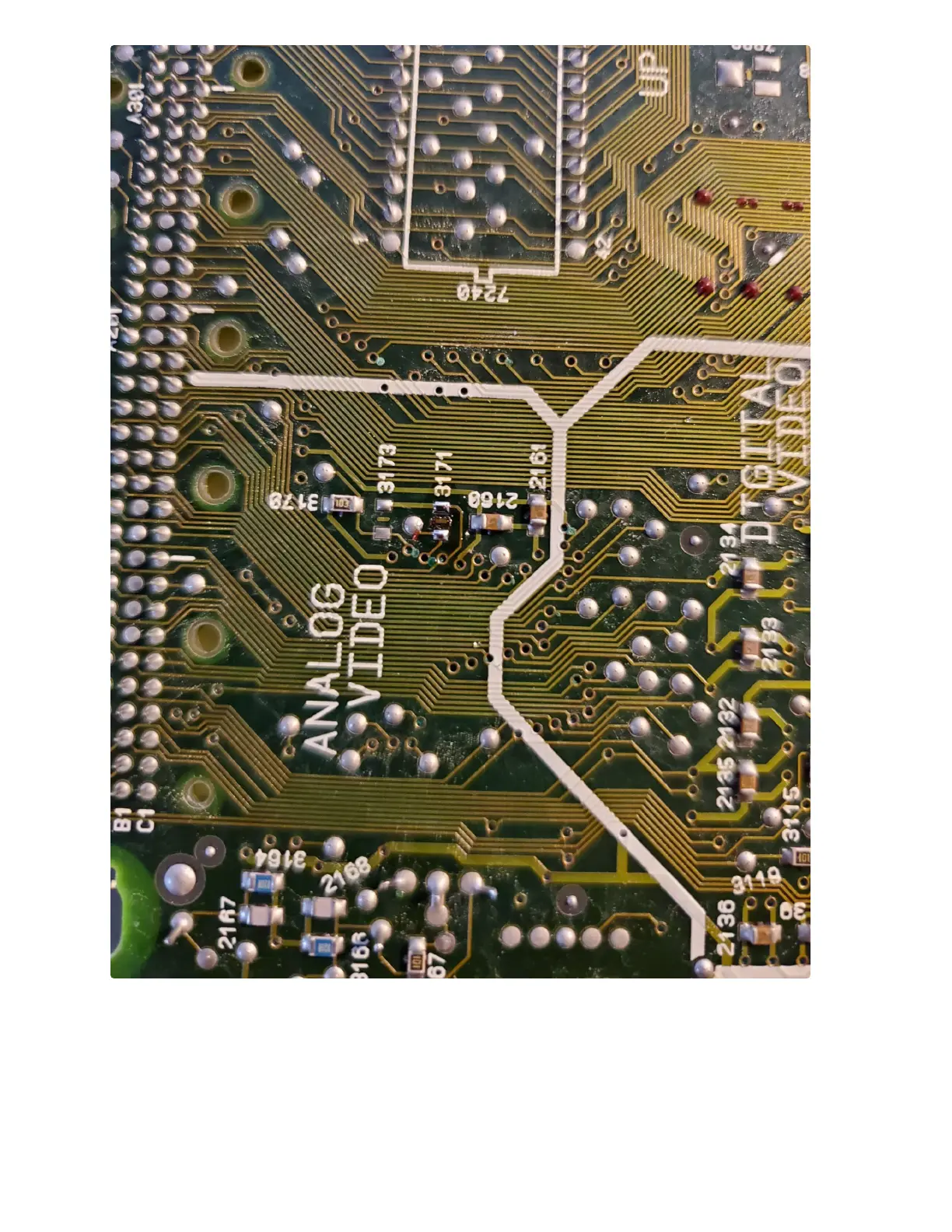
6. Now that you know where to connect your input signals and have removed the resistor to
prevent RGB, it’s time to choose a mounting location. There is plenty of space to mount your
RGB board on top of the Motorola chip next to the BT9106. You can also mount it in the space
next to the oscillator, or anywhere else of your choosing with adequate horizontal space.
7. It is recommended that you connect your wires prior to mounting your RGB board. Just in case
there is any overlap. For additional reference below are pictures showing the signal wires
attached and board mounted on the Motorola chip.



 To Next Page