25
GB
or
Note: The value of the total shots may be different from the sum of the value of the single shots
plus double the value of the double shots, because it also allows for the shots distributed with
manual operation.
To reset a counter , hold down the button for 3 seconds until you hear a double beep.
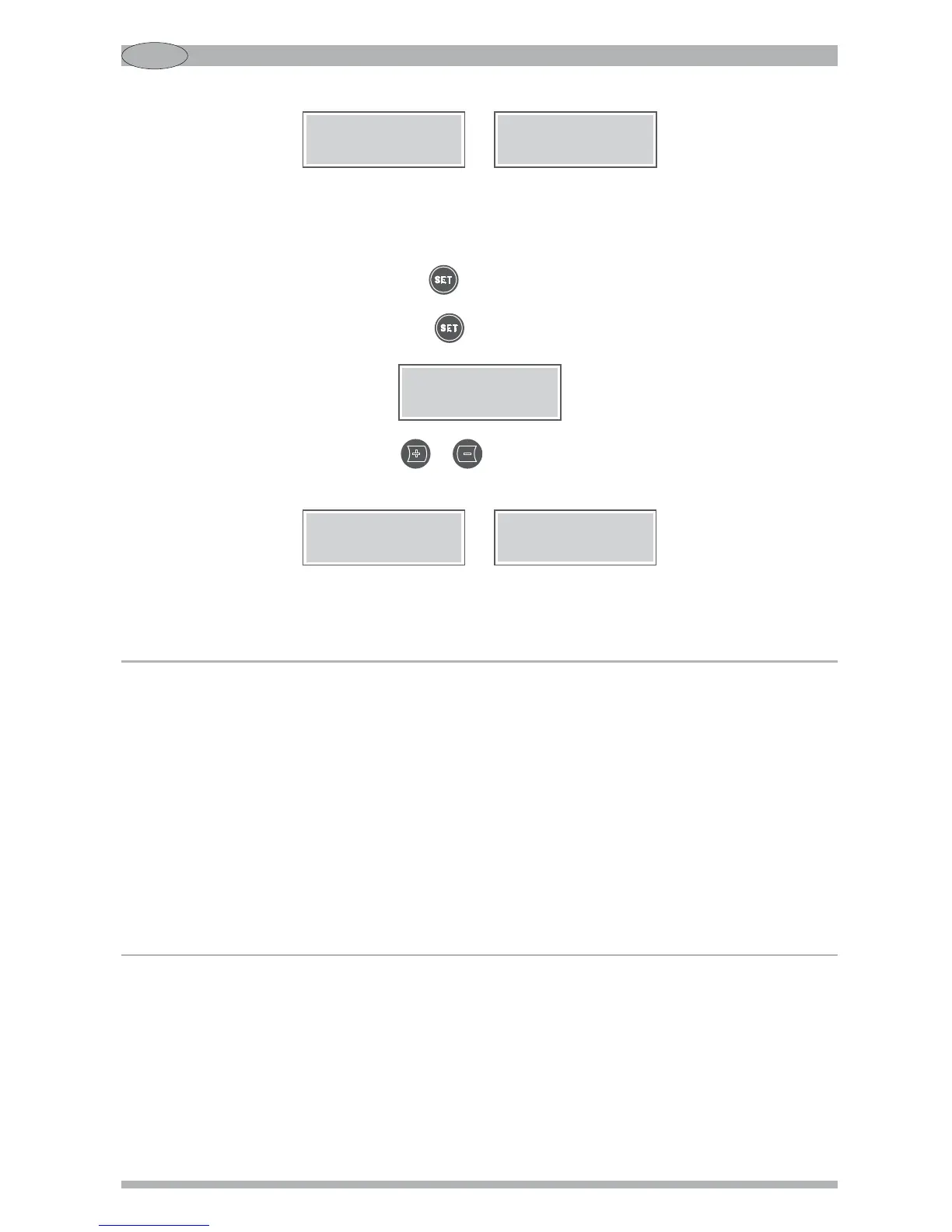
To read the main counter, press the button again. The display will show:
In this case too, by pressing the button or can also distinguish between the single or double
shots distributed since the last reset:
or
Note: After 5 seconds without being used the system automatically leaves the counter screen and
returns to normal operation.
Single shots
ground XXX
Double shots
ground XXX
Total shots
ground XXX
Sing. shots from
reset XXX
Doub. shots from
reset XXX
SETTINGS
In order to achieve a proper overall setting of the espresso coffee grinder, always proceed as follows:
1. Set the grinding adjustment (coarse-fine, see Par. Regulating grinding, page 25).
2. Adjust the appearance of the ground coffee (using, if necessary, the SCC system - see
Par. SCC system, page 26).
3. Set the dose weight, adjusting the grinding time (see Par. Setting the grinding times, page 27).
Note: Adjustments at points 1 and 2 affect the weight of the shot.
REGULATING GRINDING
When it leaves the factory the machine has a standard setting, but it may be necessary to adjust
grinding further due to various external factors such as the type of mixture used, the humidity,
temperature, or the particular distribution requirements of the espresso coffee machine.
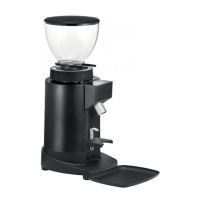
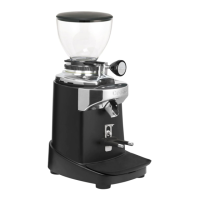
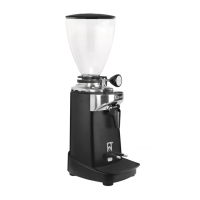
The degree of grinding may be further corrected by shifting the special lever (4 Fig. 1) at the base
of the hopper (see Fig. 4).


 To Next Page