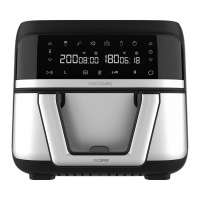
CECOFRY ADVANCE DOUBLEL
53
ENGLISH
- Do not touch the baskets nor the inferior of the air fryer during or after its use, as it reaches
high temperatures. Hold the baskets by their handle.
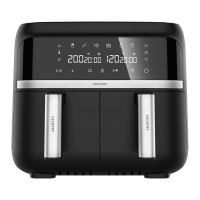
Control panel
Fig. 2
8. Power icon
- When the baskets and racks are correctly placed in the device, the power icon (8) will
light up. If you press this icon (8), the left basket icon (13), the same conguration on both
baskets icon (16) and the right basket icon (17) will all light up at once.
- To turn o the device, hold down this icon (8) for approximately 3 seconds.
- To cancel the cooking, press this icon (8) once and the word ‘Cool’ will automatically appear
on the display, which means the programme is being cancelled, when it is completely
cancelled the display will show ‘End’. To start cooking again, press the icon (8), the previous
icons will light up.
9. Time icons
- With both icons (9), placed over and below the watch icon, you can increase or decrease
the cooking time as desired.
- However, to set the time, rst you need to select a basket (13 or 17) or both baskets (16).
10. Pre-set programmes
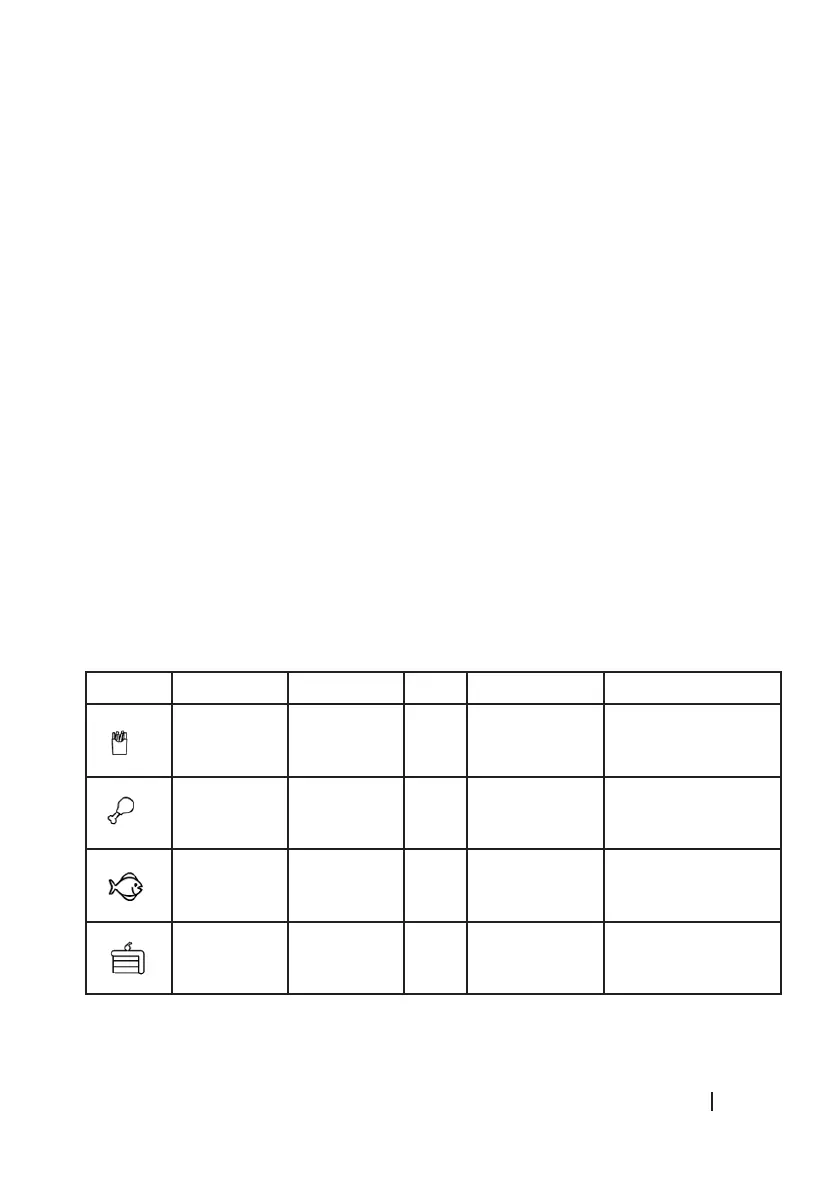
This air fryer features 6 programmes with pre-set temperature and time (10), you can check
them in this table:
Icon Programme Temperature Time Quantity Stir
Chips 200 ºC 20
min
400-500 grams
approx.
Yes
Chicken
wings
200 ºC 25
min
Basket surface Not necessary
Fish 180 ºC 10 min 250 grams
approx.
Not necessary
Dessert 170 ºC 13 min - Not necessary



 To Next Page