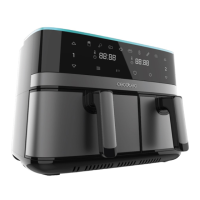
CECOFRY DUOSIZE 9000 51
ENGLISH
utensils so as not to aect the non-stick coating of the basket and rack.
11. Once the rst batch of food has been cooked, the appliance will be ready for the next batch.
Icon resolution
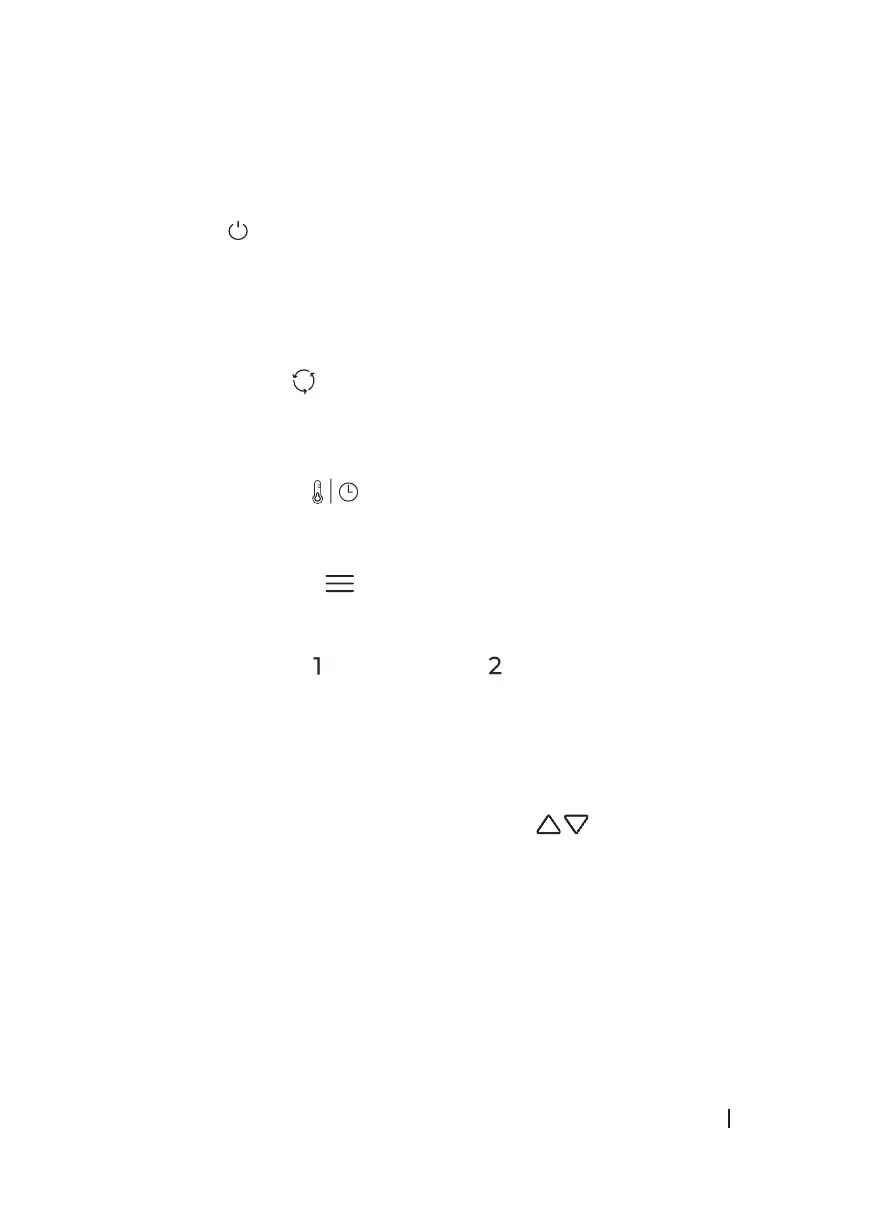
1. Power icon
Once the device is connected to the power supply and the basket is correctly placed in the
device, the icon light will turn on. Press the power button to put the machine in standby
mode, then select the fryer basket to be used. Pressing the power button a second time, the
cooking process will start.
Note: during cooking, you can press this icon to start or pause the cooking process.
2. Synchronisation icon
The synchronisation function is intended to nish two recipes with dierent times at the
same time. For this purpose, the recipe with less time waits for the recipe with more time to
consume time until both are equalised, and both start to work.
3. Temperature/Time icon
By pressing on the icon, you can switch between the two variables to modify both with icons
7 and 8.
4. Default programmes icon
By pressing the programme icon, you can scroll through the icons of the preset programmes.
When you select one, the time and temperature values are adjustable.
5 and 6. Left basket icon Right basket icon
Pressing these icons lights up the temperature and time indicators for each corresponding
basket. By default, the rst default programme is displayed. The temperature and time are
displayed ashing alternately. Each time it is shown by the temperature and time indicator
icons which variable is being displayed on the screen. Pressing and holding this icon for 2
seconds will cancel the selection and put the device into standby mode.
7 and 8. Temperature/Time decrease and increase icons
By pressing these icons, you can decrease and increase the temperature and time to be
selected. The temperature is changed by 5°C each press with a range of 80-200°C, the time is
changed by 1 minute each press with a range of 1-60 minutes. Press and hold to decrease and





 To Next Page