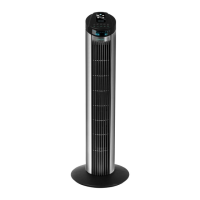
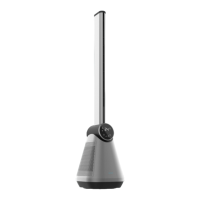
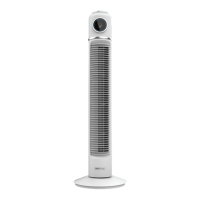
ENERGYSILENCE 8190 SKYLINE IONICENERGYSILENCE 8190 SKYLINE IONIC
2928
ENGLISH ENGLISH
4. OPERATION
Control panel
Fig. 6
1. Modes
2. Timer
3. Oscillation/Ioniser
4. Speed
5. On/O
The fan has a second display where all the light indictors are located. These will light up
depending on the mode/function/speed selected.
Fig. 7
1. On/O
2. Eco speed
3. Normal speed
4. Turbo speed
5. Temperature
6. Normal mode
7. Eco mode
8. Sleep mode
9. Ionising function
Remote control. Fig. 8
All the functions and modes can be operated from the remote control.
1. On/O
2. Modes
3. Speed
4. Timer
5. Ioniser
6. Oscillation
Functions and mode
- Press the On/O button to turn the device on and o. The device will operate in Normal
mode by default as soon as it is turned on.
- Press this button to select the desired operation mode. Choose from Eco, Normal and
Sleep.
- Press this button to select the fan’s air speed: High, Medium, or Low (Eco).
- Press the oscillation button to activate the oscillation function. During operation, press it
again to deactivate this function.
- Press this button to activate the timer function. The timer is set by pressing the button
repeatedly and can be programmed from 0 to 8 hours.
Press this button for 3 seconds to activate the Ionising function.
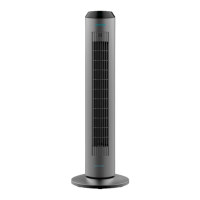
1. PARTS AND COMPONENTS
Fig. 1
1. Control panel
2. LED display
3. Main body
4. Base 1
5. Base 2
NOTE:
The graphics in this manual are schematic representations and may not exactly match the
product.
2. BEFORE USE
- This appliance is packaged in a way as to protect it during transport. Take the appliance
out of its box and remove all packaging materials. You can keep the original box and other
packaging elements in a safe place. This will help you prevent product damage when
transporting it in the future. In case the original packaging is disposed of, make sure all
packaging materials are recycled accordingly.
- Make sure all parts and components are included and in good conditions. If any of them
are missing or not in good condition, please contact Cecotec’s ocial Technical Support
Service immediately.
Box contents
- EnergySilence 8190 Skyline Ionic fan
- Remote control
- Instruction manual
3. PRODUCT ASSEMBLY
- The fan’s base is divided in 2 dierent parts. Put them together making sure that they
match properly and ensure they are tightly xed. Fig. 2
- Fix the base to the lower part ofthe fan’s main body. Fig. 3
- Use the screws provided to screw the base to the fan’s main body. Fig. 4
- Place the device on a at and stable surface. Fig. 5


 To Next Page
 Loading...