ENGLISH
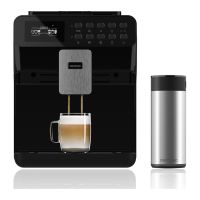
34 POWER MATIC-CCINO 7000
- LATTE
1. Press the button .
2. Select the coffee beans amount.
3. Use the “ ” and “ ” buttons to select the amount of coffee beans (g).
4. Press the key to move on to the next step.
5. Select coffee quantity.
6. Press the key to move on to the next step.
7. Select the milk frothing time.
8. Press the key to select temperature.
- SETTING COFFEE TEMPERATURE
Once the coffee parameter setting is completed:
1. Press the button.
2. Use the “ ” and “ ” buttons to adjust temperature.
01505_Power Matic-ccino 7000 Bianco y Nero_Manual_BM.indd 34 4/10/18 12:00


 To Next Page
 Loading...