5 | ENGLISH INSTRUCTION MANUAL
UNIVERSAL SMARTPHONE ADAPTER AND BLUETOOTH REMOTE
X
Y
3
1
Y
X
2
Aligning Your Smartphone Camera
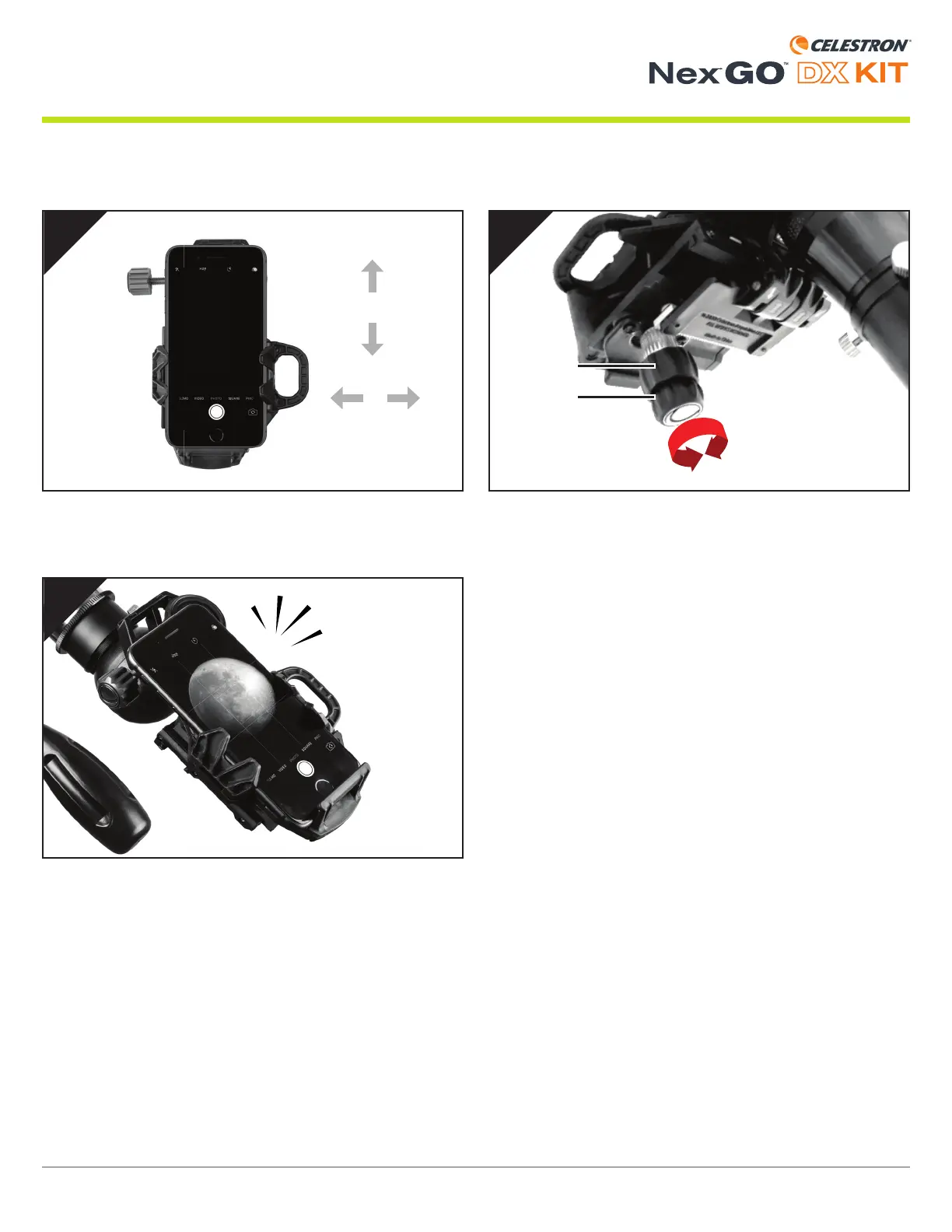
Use the X and Y adjustment knobs to move your phone and
adjust the fi eld of view until it is centered over the eyepiece.
NOTE: You may need to zoom in slightly to remove any dark edges
or “vignetting.”
You are now ready to shoot great images through your optics!
Turn on your smartphone camera.


 To Next Page