Troubleshooting
The Registax screens are cutoff on the monitor display.
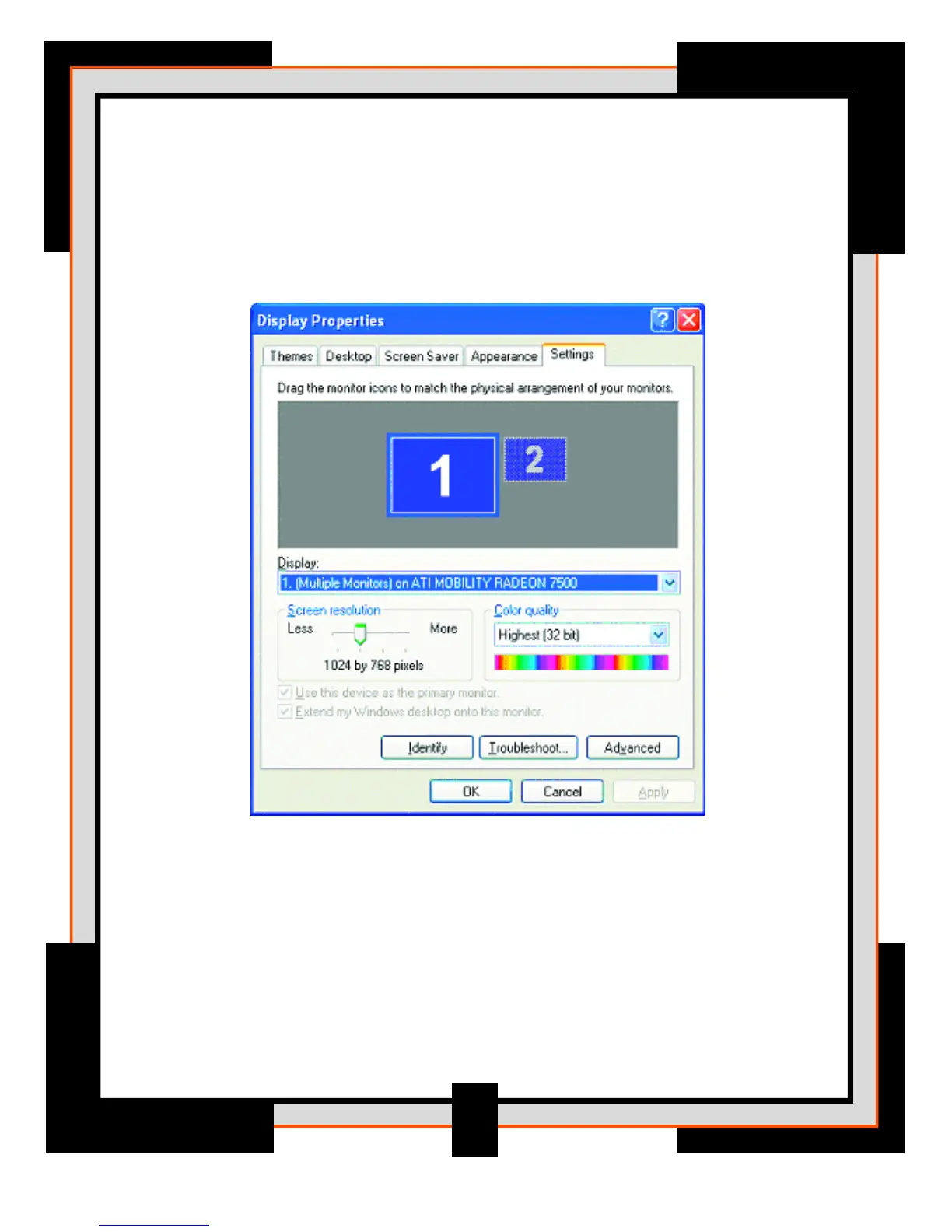
Registax software is best viewed with you monitor set to 1024 x 768 screen resolution
or higher. To check or change your screens resolution, select Display Properties from your
computers Control Panel.
Registax software can not open my video file?
Make sure that the video file you are trying to open has the .avi extension after the file name.
If the extension is missing, the software may not be able to recognize the file format.
31



 To Next Page