12 I ENGLISH
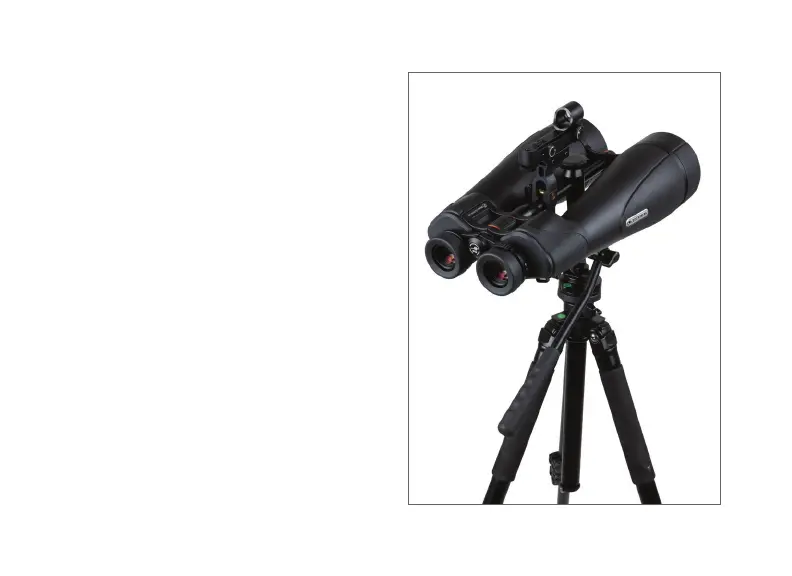
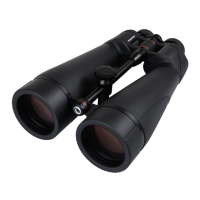
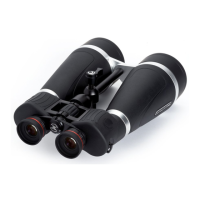
SkyMaster Pro 20x80
The SkyMaster Pro 20x80 features a built-in
tripod adapter that allows the binocular to be
attached to a tripod without the need for any
additional accessories. This built-in adapter
is attached to the center support rod of the
binocular and slides along the rod so you can
find the perfect balance point when attaching the
binocular to a tripod.
To attach the binocular to a tripod:
l Thread the ¼-20” mounting bolt of the tripod’s
mounting plate into the bottom of the tripod
adapter until it is secure.
l Mount the plate with the binocular attached to the
head of the tripod and secure it in position. Keep
a firm grip on the binocular as it has not yet been
adjusted for balance.
l Loosen the knob on the top of the binocular’s
built-in tripod adapter until the binocular’s center
column moves freely through it.
Celestron StarPointer Finderscope not included.



 To Next Page