Need help?
Do you have a question about the Celestron Ultima Pan Tilt Head Tripod and is the answer not in the manual?
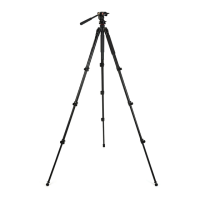
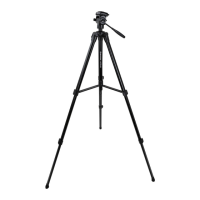
Lists and describes the main components and parts of the Celestron Ultima Pan/Tilt Head Tripod.
Explains how to adjust pan and tilt controls for smooth movement and secure positioning.
Details how to attach and detach the quick release plate for mounting optics.
Describes extending the center column to achieve desired tripod height.
Explains how to adjust leg section length for optimal stability and height.
Describes the function of the balance hook for adding stability in windy conditions.
Explains the use of bubble levels to ensure tripod and head are properly leveled.
Provides guidelines for maintaining and storing the tripod to ensure longevity.
Outlines procedures for obtaining warranty service and repairs for the tripod.
 General
| Brand | Celestron |
|---|---|
| Material | Aluminum |
| Leg Sections | 3 |
| Leg Lock Type | Flip Lock |
| Type | Tripod |
| Compatibility | Cameras, spotting scopes |
| Load Capacity | 11 lbs (5 kg) |

 To Next Page