BIO X6 User Manual v. 1.0 30
4 Bioprinting with the BIO X6
4.1 Mounting of bioprinting equipment
4.1.1 Printheads
Ensure that you have mounted the printheads, print surfaces and bioink cartridges correctly
before bioprinting.
Refer to the Printhead manuals at the end of this manual or to the specific printhead manuals
for instructions on how to mount a cartridge.
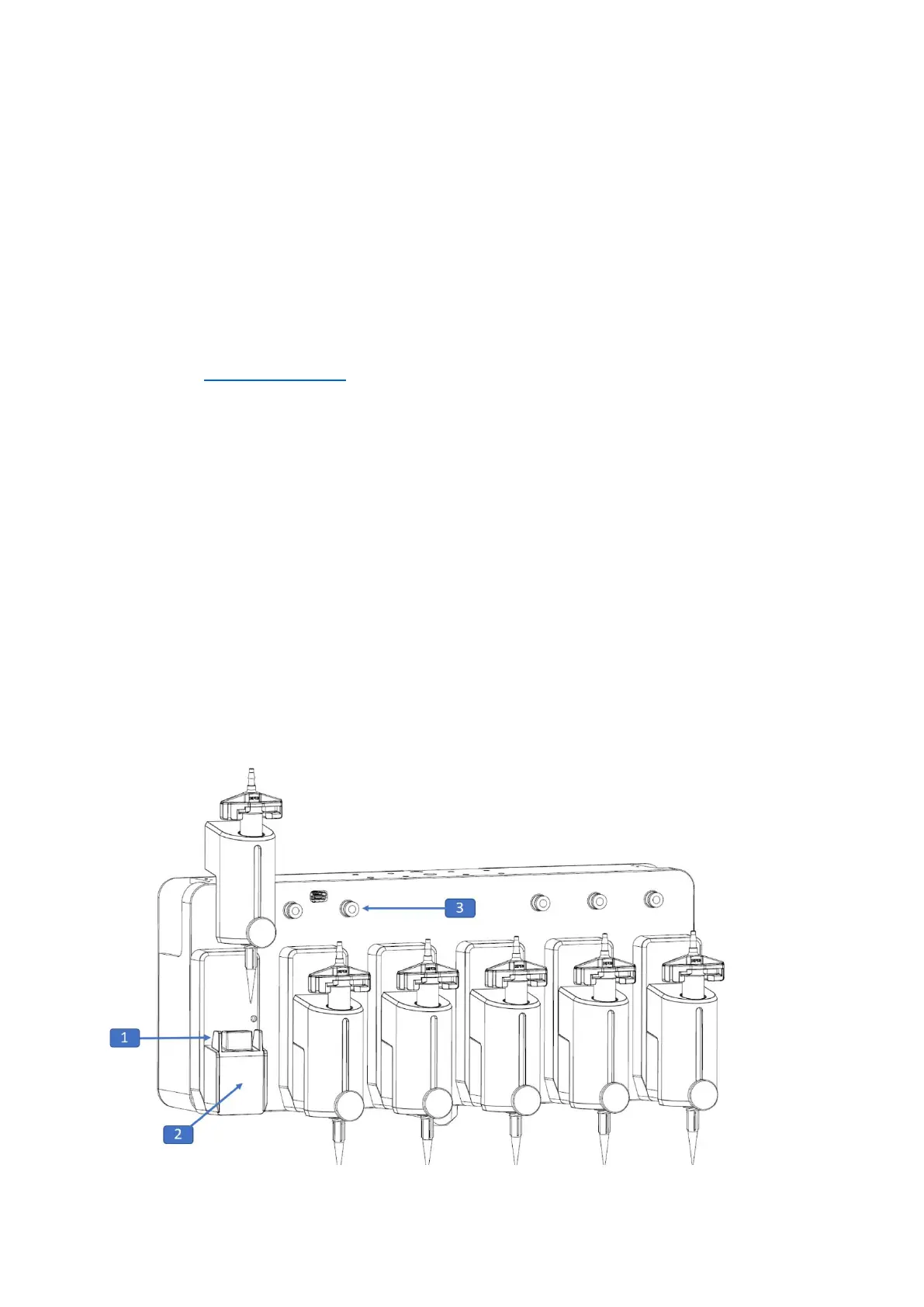
Mounting a printhead in the BIO X6:
1. Move the printhead straight down toward the printhead holder.
2. Press it until you feel the magnet snap into place.
A white light turns on when the BIO X6 detects the presence of a printhead.
If the printhead is correctly mounted in the BIO X6, the light changes to blue.
Note: Remember to connect the pneumatic printheads to the compressed air outlet.



 To Next Page