BIO X6 User Manual v. 1.0 33
4.2 Sterilizing the printing chamber
The BIO X6 has a UV sterilization system to ensure a sterile environment. The system
s
sterility.
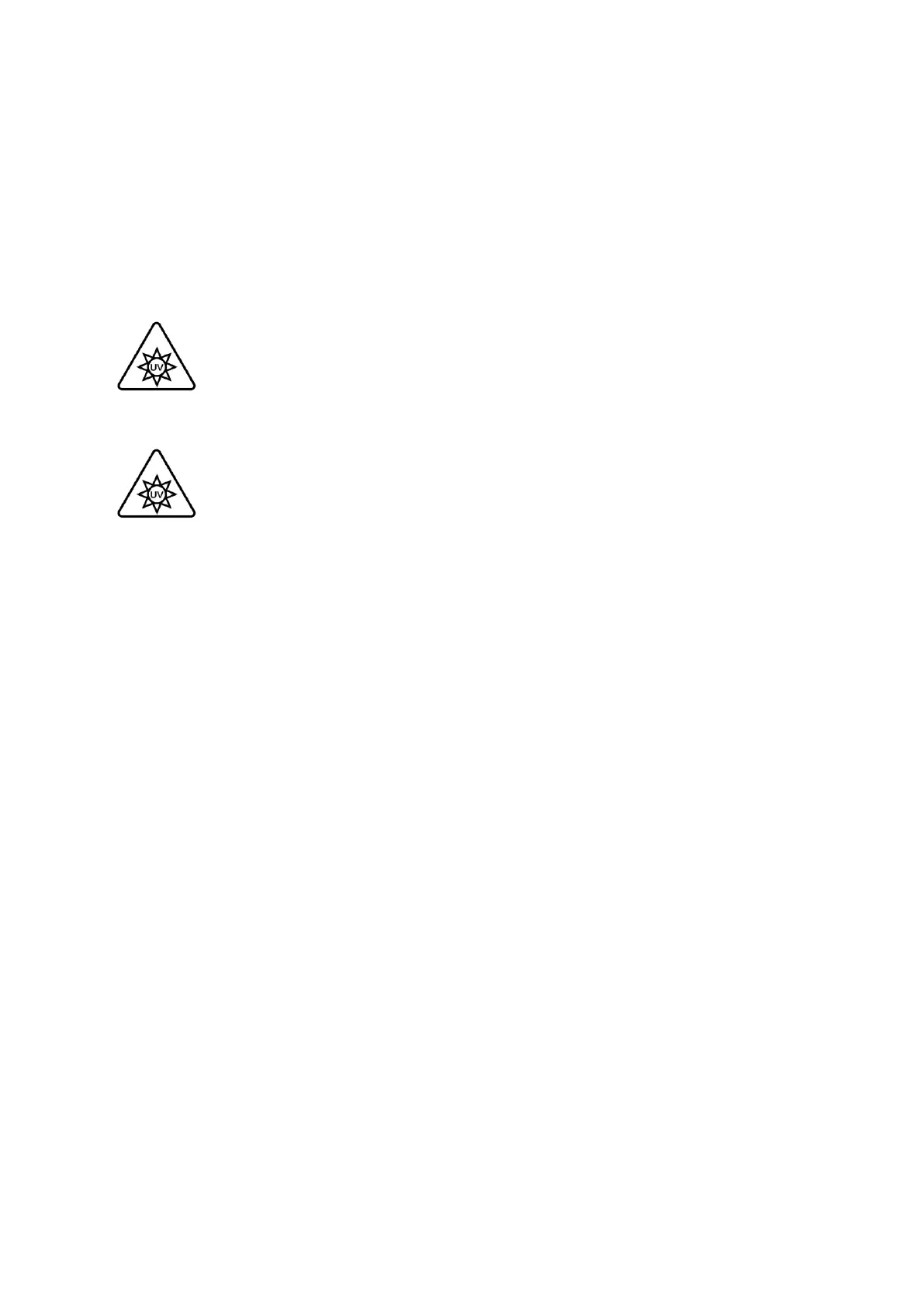
Do not look directly at UV light and do not expose your skin to UV light. UV light
can cause serious personal injury. Keep the door closed when running the clean
chamber feature.
The UV sterilization procedure will kill or damage any living organisms inside the
print chamber. Remove any cells and tissues from the print chamber before
initializing the UV sterilization procedure.
Run the UV sterilization procedure before each bioprinting process to minimize the risk of
contamination.
1. Close the door of the chamber. The UV sterilization process does not start if the door
is open.
2. To begin the UV sterilization procedure, select Printer from the Utilities menu and
tap Initiate.
3. In the Sterilize chamber dialogue, tap Sterilize to start or Cancel to abort.
The sterilization procedure takes about 6 minutes.
Enable clean chamber fan: Tap to turn the HEPA filter fan on or off. Keep the fan on during
UV sterilization to clean the air and push it out of the chamber.
During bioprinting, you can turn the fan off if you want to reduce the noise level or if you are
conducting an experiment that does not require sterility. Keep the fan on if you want to keep
the chamber environment as clean as possible and ensure sterility.


 To Next Page
 Loading...


