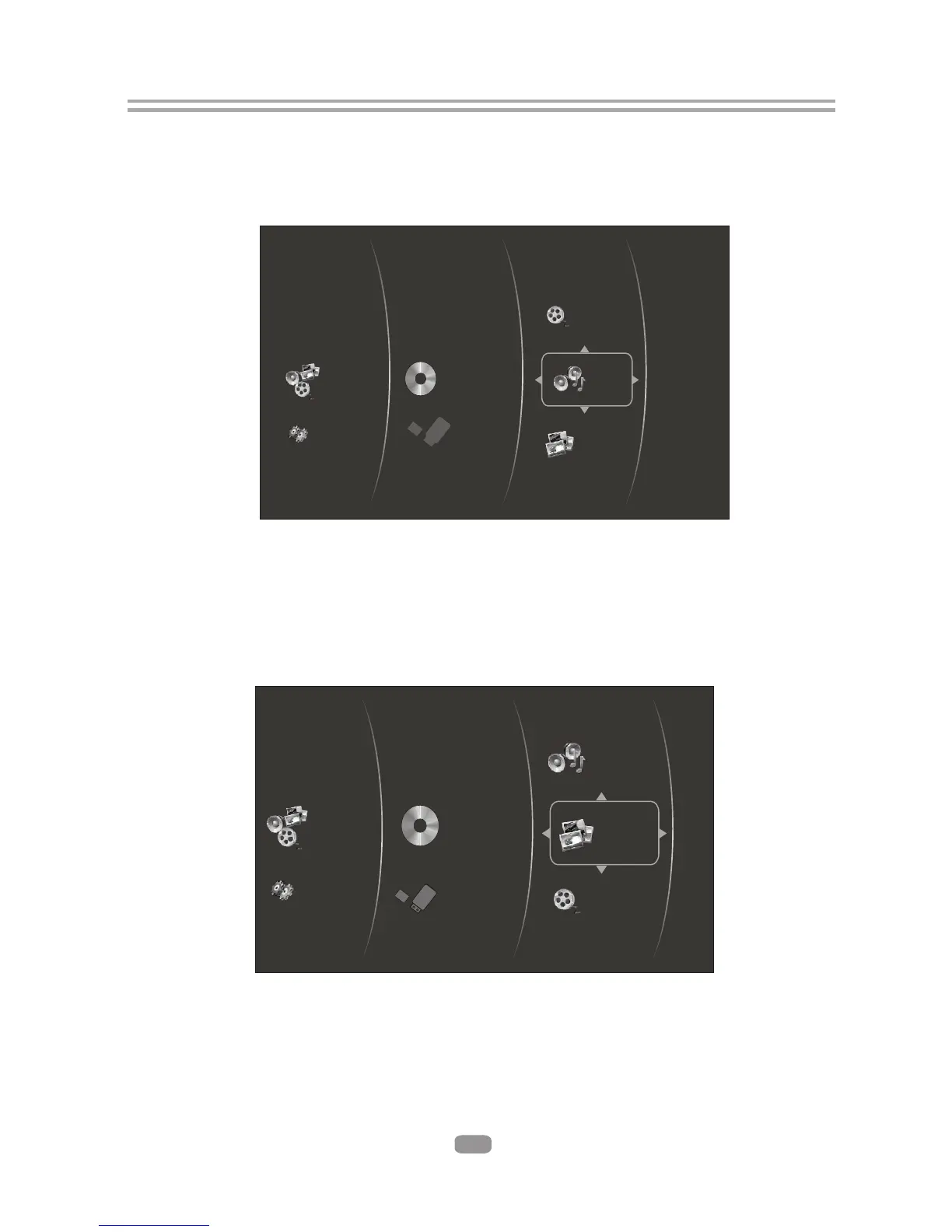
6.5 Browsing Audio files
6.5.1 After selecting your storage device, select the Music Icon in the main menu.
Press the Enter button to access your Audio files.
( Figure 5-2 )
17
Figure 5-2 Audio Media Selector
Optical Disc
USB 1
Pictures
Music
Videos
Settings
Media
6.6 Browsing Photos
6.6.1After selecting your storage device, select the Pictures Icon in the main menu.
Press the Enter button to access your Photo files
( Figure 5-3)
Figure 5-3 Picture Media Selector
Pictures
Optical Disc
USB 1
Music
Videos
Settings
Media



 To Next Page