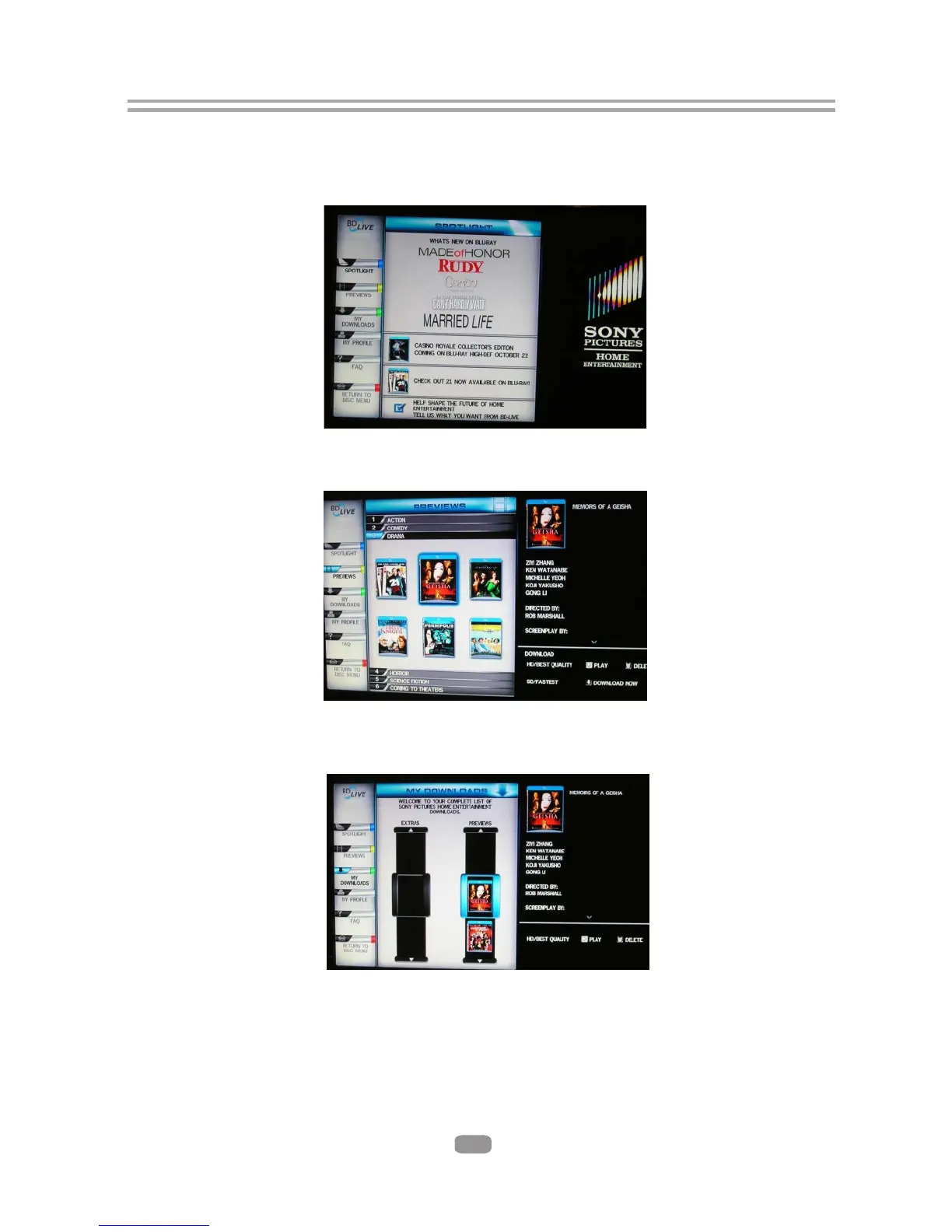
7.4.5 The downloaded content is stored under My Downloads. You can choose to either
play back or delete the downloaded content
7.5 BD-Live Notes
7.5.1 This player only supports the connection of USB memory in order to store BD 2.0
downloaded content
7.5.2 Any externally attached devices will be set as the BD-Live storage.The internal
storage availability will be ignored until the external device is disconnected.
7.5.3 Older BD-Live content may have expired and will not function, these files
should be deleted by the user to free up storage space.
7.4.3 The player will connect to the internet and show a download menu as the
below picture.
7.4.4 You can select the content to download from the Previews sub menu.
Note: This can take several minutes.
below picture.
Note: This can take several minutes
19



 To Next Page