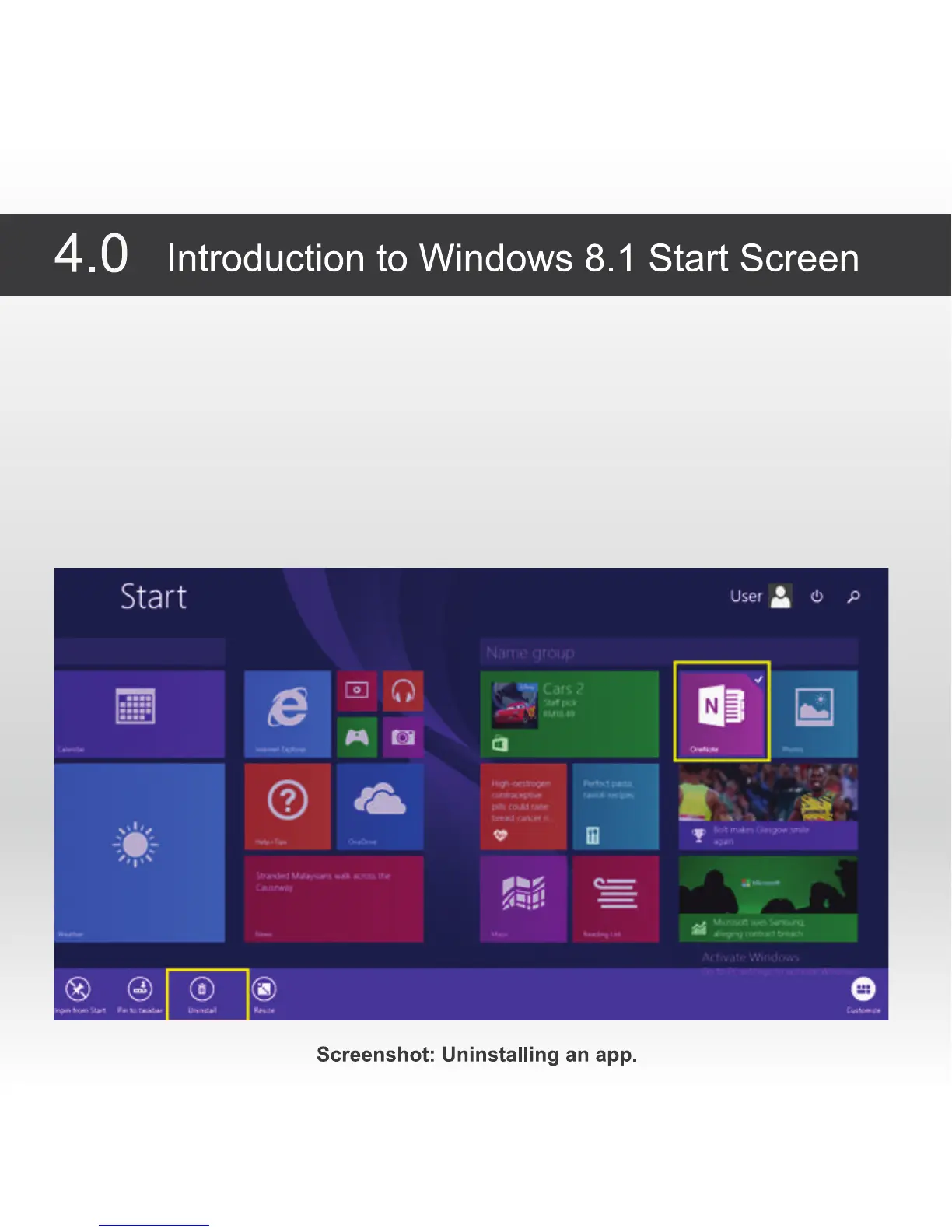
4.3 Remove or uninstall an application or program from the start screen
1. It is possible to remove or uninstall any app / program from the start screen. This enables the user to
structure the start screen to his own preference.
2. To remove or uninstall an app / program from the start screen, touch the app / program for a second and
let go. Several options will appear at the bottom of the screen.
3. Select "unpin from start" and the icon of the selected app / program will be deleted from the start screen,
the app will still be available in the all app view.
4. Select "Uninstall" and the app / program will be deleted completely from the from the device and no longer
available in the all app view.



 To Next Page