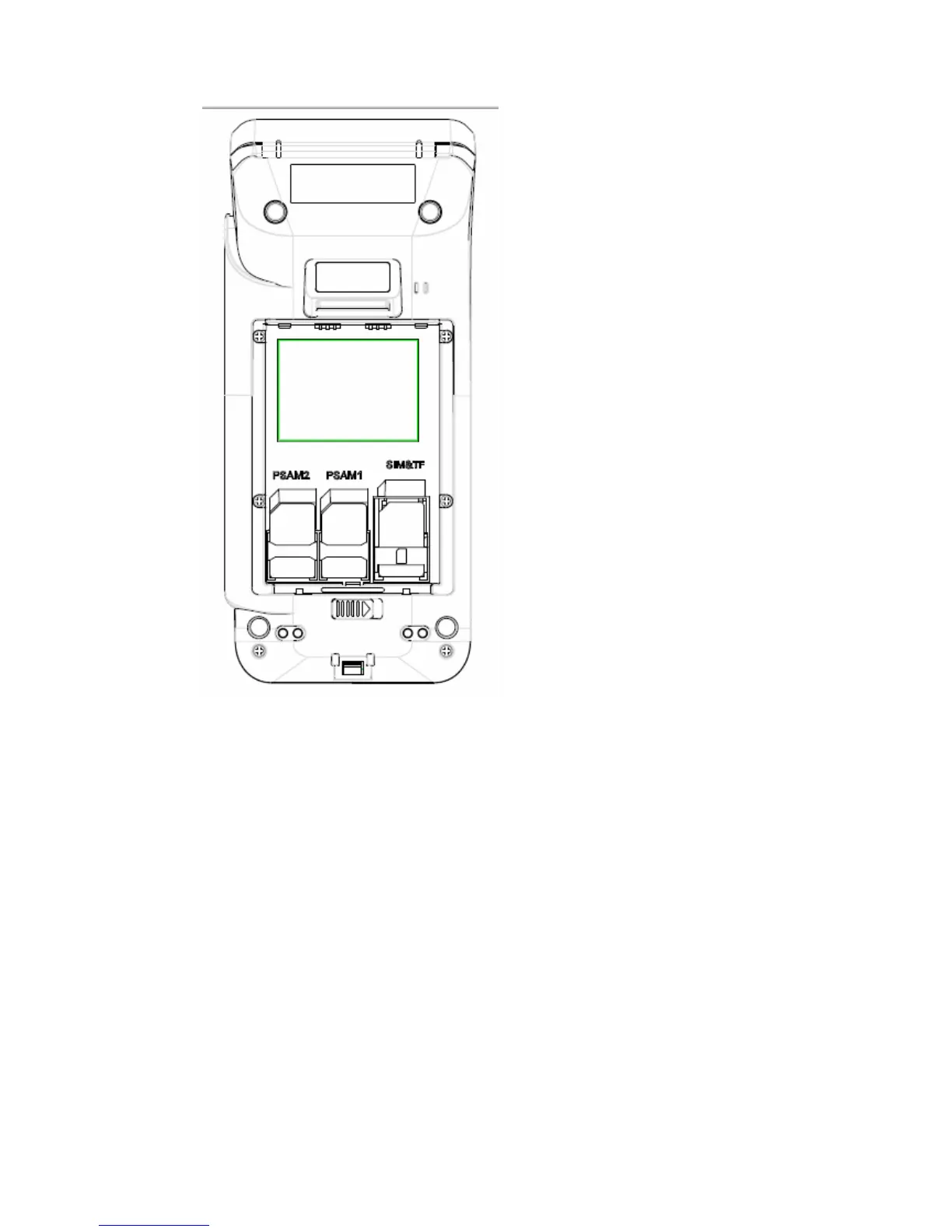
Note: install PSAM card, T card or SIM card based on demand.
z Power on:long press the power button for 1 second.
z Power off:long press the power button for 3 seconds, when a dialog box appears in
the touch screen, please click power off icon.
Forced shutdown: long press the power button for 10 seconds.
z Installation of printer paper:open the printer paper storage cover, then put into the
paper and close the cover.
z Indicator light
Charging light: When the battery is charging, the indicator light turns red.
When the battery is fully charged, the light turns green.
Contactless card reader indicator light: refer to the contactless transaction standard
specification.


 To Next Page
 Loading...