EasyManua.ls Logo

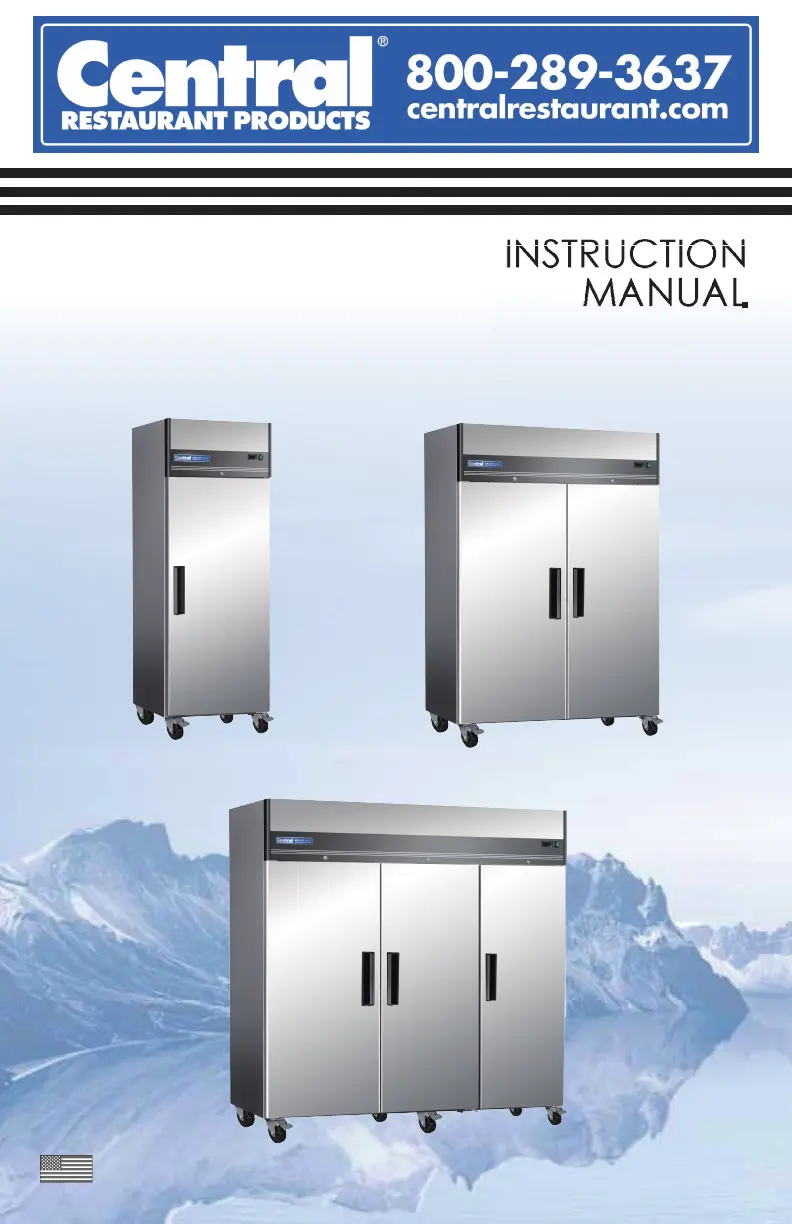
CENTRAL RESTAURANT PRODUCTS 69K-036HC - User Manual

Default Icon
24 pages
Print Icon
To Next Page IconTo Next Page
Loading...
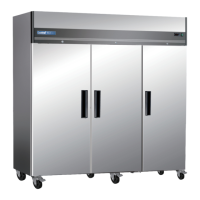
69K-031HC/69K-032HC/69K-033HC
69K-034
69K-161HC/69K-162HC/69K-163HC
69K-164HC/69K-165HC/69K-166HC
HC/69K-035HC/69K-036HC
Reach In (Top mounting)
Refrigerators and Freezers
English December 2020
PLEASE READ THESE INSTRUCTIONS CAREFULLY BEFORE USE AND SAVE THESE INSTRUCTIONS

Questions and Answers

  • R
    Ryan WalterAug 7, 2025
    Why is the cabinet temperature too warm in my CENTRAL RESTAURANT PRODUCTS 69K-036HC Refrigerator?
    • T
      tcurtisAug 7, 2025
      If the cabinet temperature in your CENTRAL RESTAURANT PRODUCTS Refrigerator is too warm, first, ensure the thermostat isn't set too high; if it is, lower the temperature setting. Check for airflow blockages and rearrange items to ensure proper air circulation, maintaining at least four inches of clearance from the fan. Also, make sure the refrigerator door is completely closed. If the issue persists, it may be due to low refrigerant levels, in which case you should contact a service technician to check them.
  • W
    westjessicaAug 23, 2025
    What to do if the compressor is not running in my CENTRAL RESTAURANT PRODUCTS Refrigerator?
    • D
      Donna HamiltonAug 23, 2025
      If the compressor in your CENTRAL RESTAURANT PRODUCTS Refrigerator isn't running, start by checking the fuse or circuit breaker and replace the fuse or reset the circuit breaker if necessary. Then, verify that the power cord is properly plugged in. Also, check the thermostat setting; if it's set too high, lower the temperature.

CENTRAL RESTAURANT PRODUCTS 69K-036HC Specifications

General IconGeneral
BrandCentral Restaurant Products
Model Number69K-036HC
CategoryRefrigerator
Number of Doors1
Voltage115V
Horsepower1/3 HP
Shelves IncludedYes
Interior LightYes
MaterialStainless Steel
Temperature Range41°F
RefrigerantR290
Door SwingRight
CertificationETL Sanitation, ETL Listed

Related product manuals