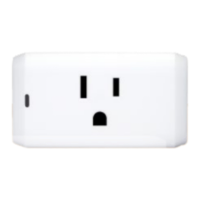
4-Series Smart Outlet
Model: 4200-C
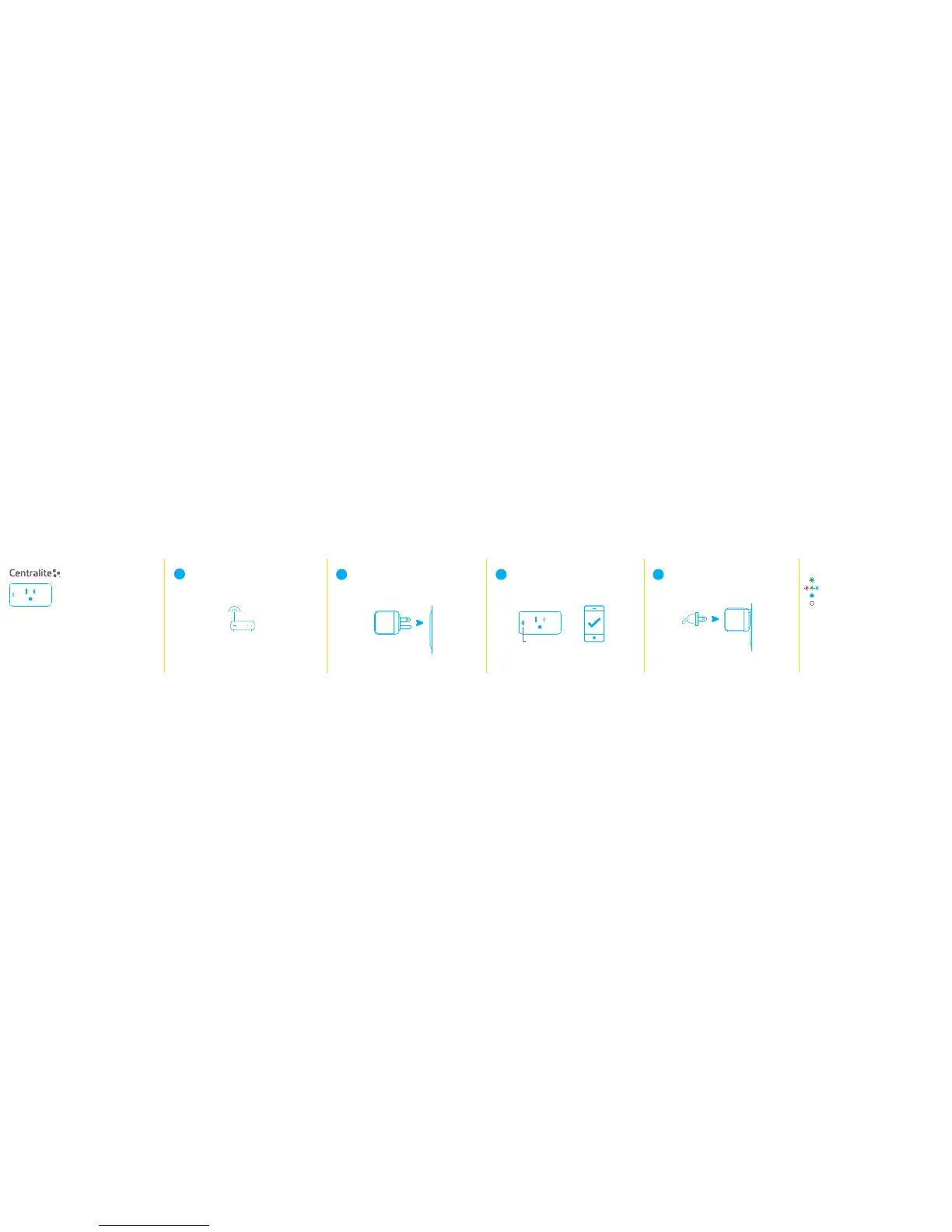
Plug the Smart Outlet into a nearby wall
outlet and it will begin searching for your
smart home controller.
2
The Smart Outlet’s status LED will stop
blinking and begin flashing red, green, and
blue once it has successfuly connected to
your controller.
3
Supported Loads:
General Purpose: 120 VAC 15A
Resistive: 120V, 15A max
Motor: 120V, 1/2 HP max
TV: 120V, 470W max
Indoor Use Only
Warning: The devices are not intended for use in location where the temperature may
by less than actual room conditions such as unheated warehouses or garages.
Avertissement: les dispositifs ne sont pas destinés à l'endroit où la température peut
par moins de chambre ou de conditions telles que les entrepôts non chauffé.
Shipping/Storage:
Temperature: -40° to 50°C
Degree of Protection: IP20
Humidity Range: 0 to 90% R.H.
(non-condensing)
Enter the discovery mode using your smart
home contoller’s app.
Some apps call this “add a new device.”
Echo Plus users:
Say, “Alexa, discover new devices” and wait for the
spinning blue pattern on the light ring.
Note: If your controller can’t connect to the
Smart Outlet, see Troubleshooting (on reverse page).
1
4
Plug an appliance or lamp into the
Smart Outlet and control it from your app!
Status LED
WARNING!
· The total current limit of the device is 15 amps. Do not exceed this value!
· If a direct short is created on the output, the Smart Outlet will be damaged
and will no longer function.
· If a load greater than 15 amps is attached to the output, the Smart Outlet will
be damaged and will no longer function.
LED Patterns
Turning On/Off
You can toggle the Smart Outlet on and off via your smart home
controller’s app or by pressing the power button on the side of the
Smart Outlet.
Off Connected and load is off.
Solid Connected and load is on.
Flashing Successfully joined network.
Blinking Searching for networks.


 To Previous Page
 Loading...