03
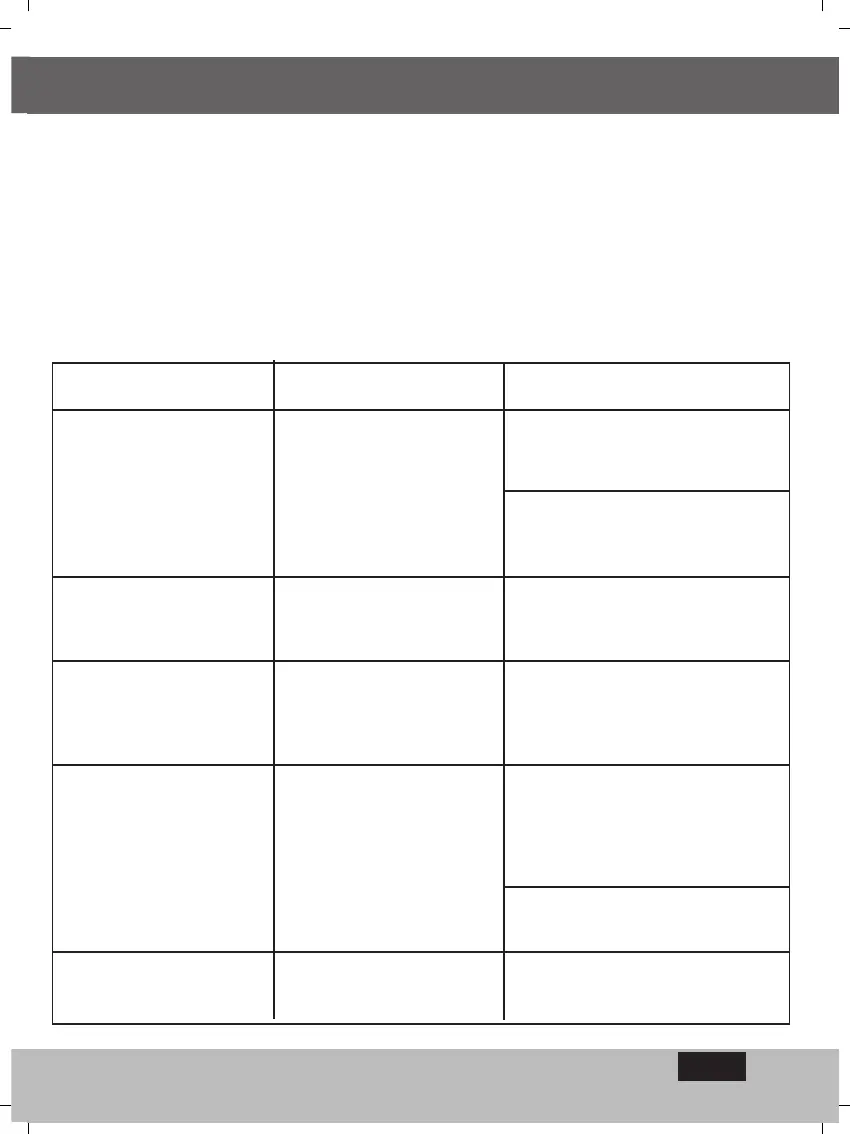
The problem/symptom The Cause The Repair
The valve doesnt open -
neither automatically per
program nor by manually-
operated computer
activation.
Water is not reaching the
system ; electric command not
reaching valve.
No display
Sensor symbol permanently
flashing and valve does not
open
Valve does not close although
click heard when activated
Controller operations
corrupted
Malfunction in power-system
or faulty battery
The sensor bridge is
diconnected
Valve handle not in AUTO
mode; dirt and scale in valve;
malfunction in valve, - such as
a torn diaphragm
Memory flawed
Ensure that Master- valve is open;
clean filter; check the extension wire
Check power source, the transformer
or replace the battery.
Replace sensor or
repair connection
Move valve handle to AUTO mode;
clean the valve; replace the valve
Press RESET button,
Reset hour and date.
9. Maintenance
·A filter must be installed at the coltroller valve and should be cleaned once every few months.
Activation without the filter is an opening for malfunctions.
·The battery is good for regular use during one year at least (Alkaline battery).
·Recommended water pressure is : 8 1 ATM (BAR).
EN


 To Next Page