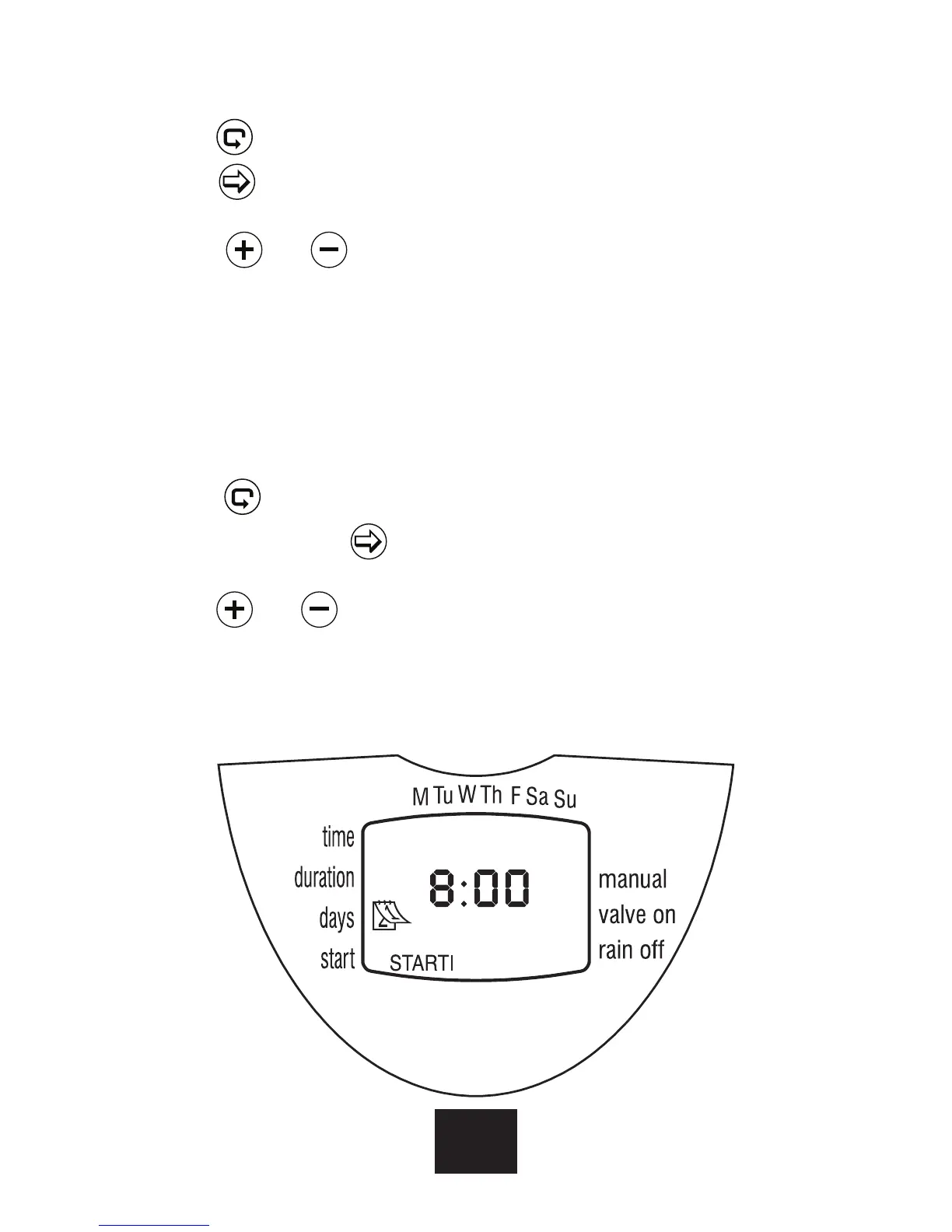
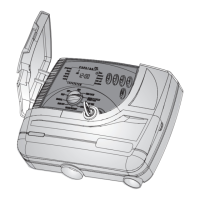
SETTING IRRIGATION START TIME/DATE
1. Press
. STARTI will appear on the display.
Press . The hour display will start blinking.
2. Using
or set the start time at 08:00 AM
(note the AM/PM indicators). Repeat this
operation for the second irrigation
period (START II) at 13:00, and for the third
irrigationperiod (START III) at 19:00.
3. Press
. START IV will appear on the
display. Press . The hour digits will blink.
4. Press
or until the word OFF appears
on the display. The fourth irrigation start is
canceled.
10
EN


 To Next Page