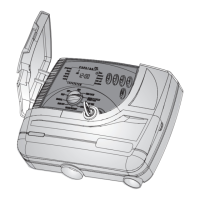
Setting The Day Of The Week
1. Press
until a blinking drop appears at the
top of the display.
2. Set the drop on the current day of the week
by pressing on
or .
For a 24 hour clock display, press concurrently
on
and buttons once the hour digits stop
blinking.
Pressing these buttons again will revert the
display back to AM/PM hour display.
7
EN


 To Next Page