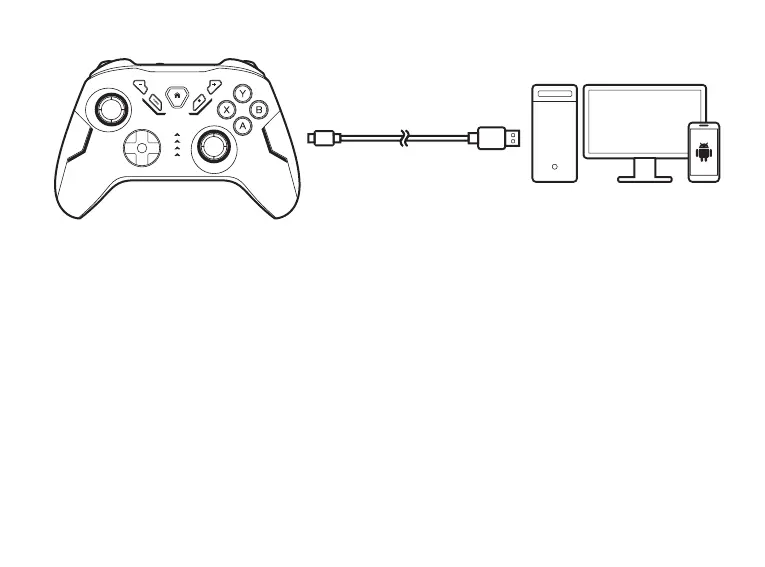
WIRED CONNECTION TO PC/ANDROID/SWITCH
• Use provided Type-C cable to connect controller and PC/Android/Switch
• Once connected, the lights keep on.
• The controller now is recognized as a X-input controller device.
For PC Connection, switch to D-input mode:
Press and hold “+” “-” button for 3 seconds,
X-input: Xbox 360 Controller for Windows
D-input: Gamepad
WIRELESS CONNECT TO PC
• Press and hold PC pairing button for 3 seconds until 2 pcs LED lights start flashing and automatically enter into
pairing mode,
• Search pairing name “ Xbox Wireless Controller” on PC and then connect with, after successful connection, 2pcs
LED lights keep on;
TURBO FUNCTION
a. Support buttons: Action buttons include(A/B/X/Y/LB/LT/RB/RT) eight buttons,all support to set up TURBO
function by manual;
04


 To Next Page
 Loading...