ENENENEN
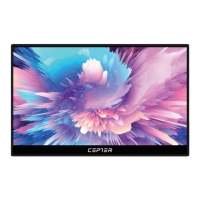
Monitor
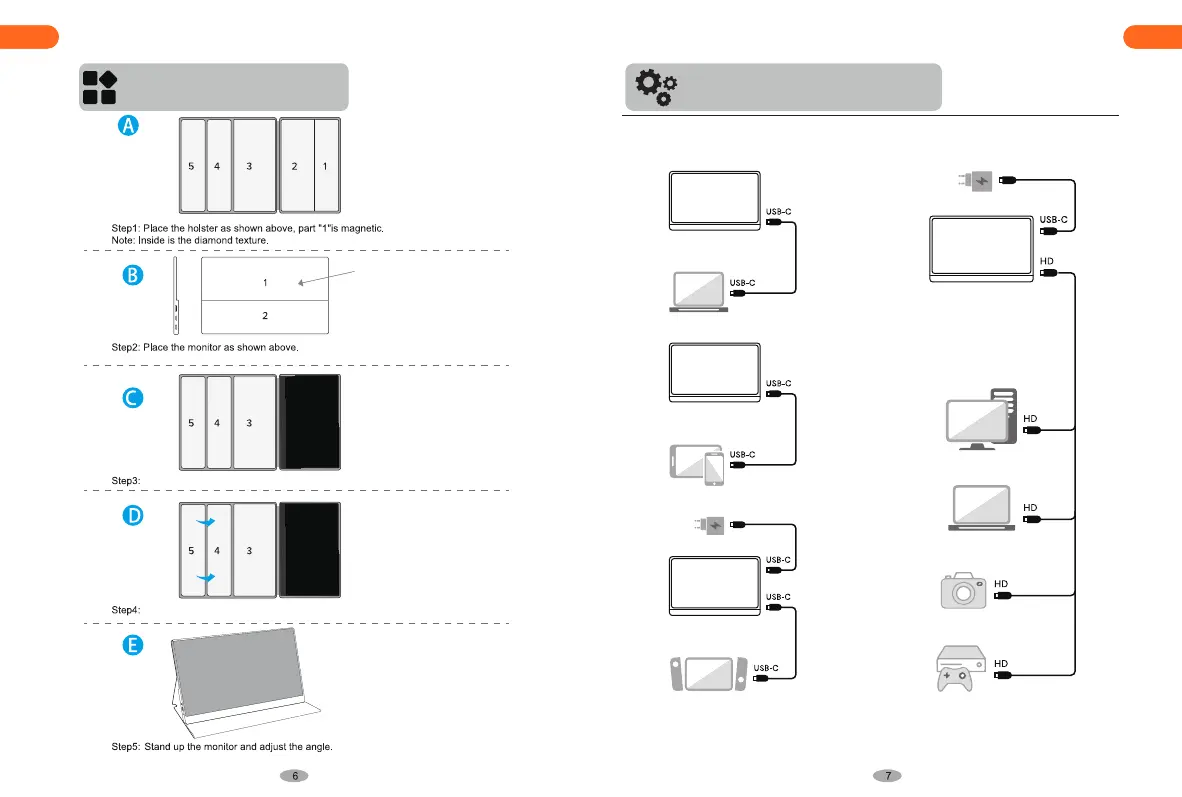
Attach the leather case part “1” to monitor part “1”.
Fold part “5” and part “4” into one.
ATTENTION: The monitor can be connected to devices through dierent signal transmission
Modes, which a 5V/3A power source is required.
Make sure the USB-C port on your laptops/smart phones and other devices can support at
least Thunderbolt 3.0 Standard when you are using USB-C connecting.


 To Next Page