20
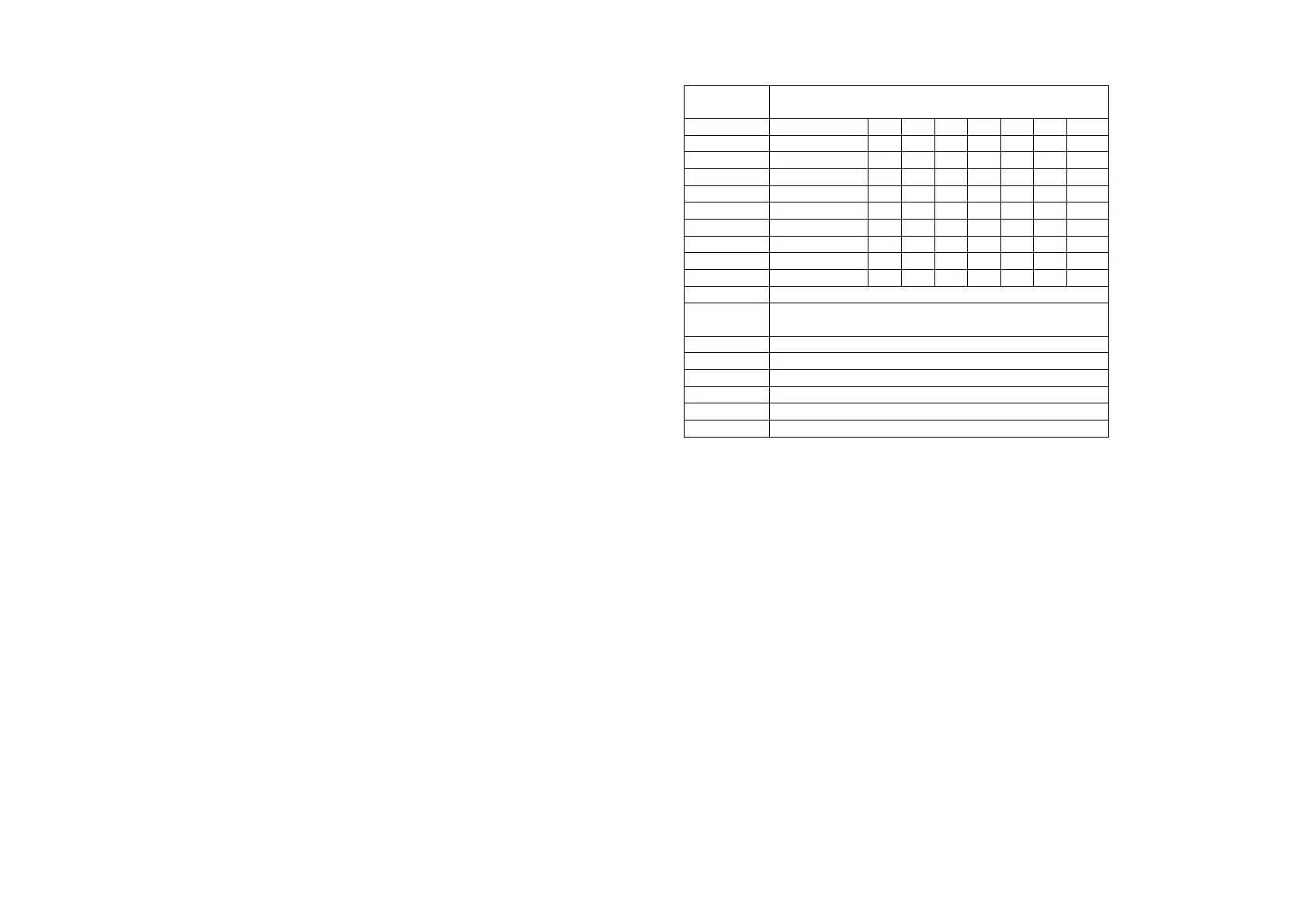
For each zone you can enter up to 16 characters descriptor. Some general rules for how to use the keypad and the characters associated to the keys are the following:
- Press a number key, [0] to [9], repeatedly until the desired character
appears. All the characters available under a number key are printed on the
key (except for the symbols) and are presented in the next table;
- if the next letter you want is located on the same key as the present one, wait
until the cursor moves one position to the right, or press the [>] key and then
key in the letter;
- if you make a mistake, press the [<] key to remove the character to the left
of the cursor;
- if you want to program one descriptor with a length of less than 16
characters, by pressing the key [#] the word is stored in the KP’s memory
and on the screen you can see the “Edit zone: “ message. By pressing once
again the [#] key you can end zone descriptors programming (section 17). By
entering a 2 digit zone number you can continue by editing the zone
descriptor that you indicated.
Key
Characters associated to the keys
[4] G H I 4
not used for descriptors editing
[#] used to confirm the descriptor and save it into
the keypad memory
change between capital and small letters
used to delete one character (Backspace)
not used for descriptors editing
not used for descriptors editing
not used for descriptors editing
not used for descriptors editing
In order to edit your own “welcome message”, the one that the LCD keypad will display whenever is in idle condition, you have to choose in programming section [017], message 17. The maximum length of this message is 16
characters.



 To Next Page