EasyManua.ls Logo

CFORCE CF015xT - User Manual

Default Icon
14 pages
Print Icon
To Next Page IconTo Next Page
Loading...
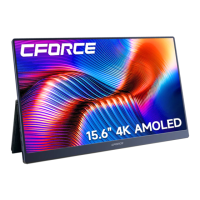
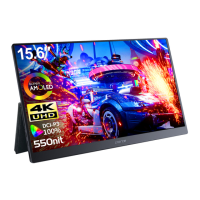
CF015xT
(15.6-inch)便携式显示器
Question and Answer IconNeed help?

Do you have a question about the CFORCE CF015xT and is the answer not in the manual?

CFORCE CF015xT Specifications

General IconGeneral
BrandCFORCE
ModelCF015xT
CategoryMonitor
LanguageEnglish

Summary

WARNING

To avoid personal injury, please observe the following rules:

Safety guidelines to prevent personal injury.

To prevent other injuries, please observe the following rules:

Safety guidelines to prevent other injuries.

To prevent damage to the machine, the following should be avoided:

Guidelines to prevent damage to the machine.

Specifications

Interface Function Introduction

USB Type-C Full-featured Interface

Supports audio, video, touch, and PD 2.0 reverse charging.

Function Introduction

Connect Computer via USB-C

Connects to laptop via single USB-C for power and display.

Connect Smartphone via USB-C

Connects to smartphone via USB-C for screen projection, powered by phone or adapter.

Common Problems and Handling

No Signal Displayed

Ensure full-featured USB-C cable is used and connected correctly.

Image Jumps or Ripple Pattern

Check wire connections and distance from interference sources.

After Sales Service

Related product manuals