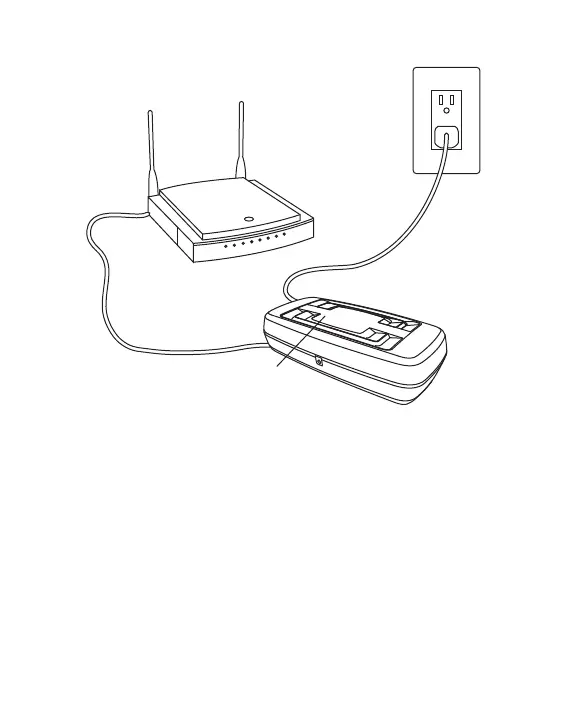
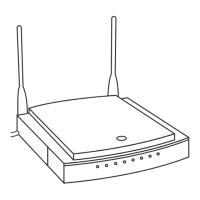
Router
Power
Adapter
Ethernet
Cable
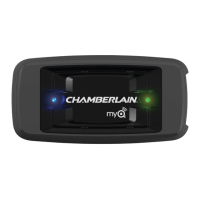
Green
Light
Connect
LiftMaster
Internet
Gateway
1. Connect power and router
Connect ethernet cable to router and the internet
gateway. If you only have access to a Wi-Fi signal
and not a router, you must use a wireless ethernet
adapter (not provided) to connect to the internet.
Connect power to the internet gateway. When the
internet gateway connects to the internet, the green
light will stop blinking and will light solid. If the green
light does not light solid, check the power, router,
and internet connections to the internet gateway.



 To Next Page