2-33
To lower the window, press and hold the rear of the
switch. To raise the window, press and hold the
switch forward.
Auto Down Window
The driver’s window switch has an auto
-down feature.
The driver’s window can be opened to the desired
amount by pushing the rear of the switch to the first
detent. For the auto
-down feature, push the rear of
the switch all the way down. The window will continue
going down until fully opened.
To stop the window while it is lowering, briefly press
the switch forward, then release.
Lockout Switch
Four
-door models also have a lockout switch. Press
the lockout switch to disable the rear passenger’s power
window switches. This will prevent rear passengers
from opening and closing the windows. The driver
can still control all windows with the switch in the
lock position.
Press the lockout switch again to enable the passenger’s
window switches.
Horn
You can sound the horn by pressing the center of your
steering wheel near the horn symbols.
Tilt Wheel (If Equipped)
A tilt steering wheel allows you to adjust the steering
wheel before you drive. You can also raise it to the
highest level to give your legs more room when you
exit and enter the vehicle.
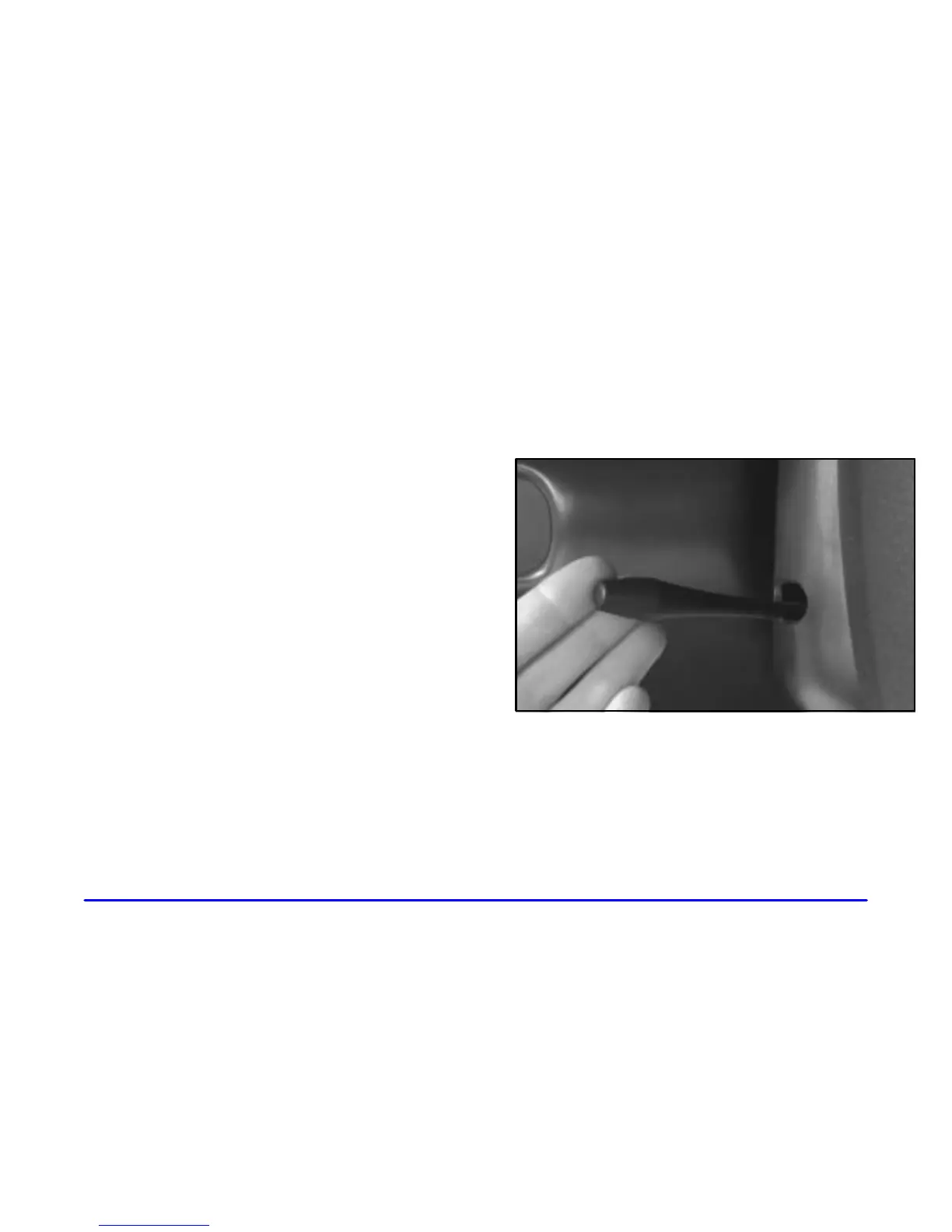
To tilt the wheel, hold the steering wheel and pull the
lever. Move the steering wheel to a comfortable level,
then release the lever to lock the wheel in place.






 To Next Page