Directing the
Airflow
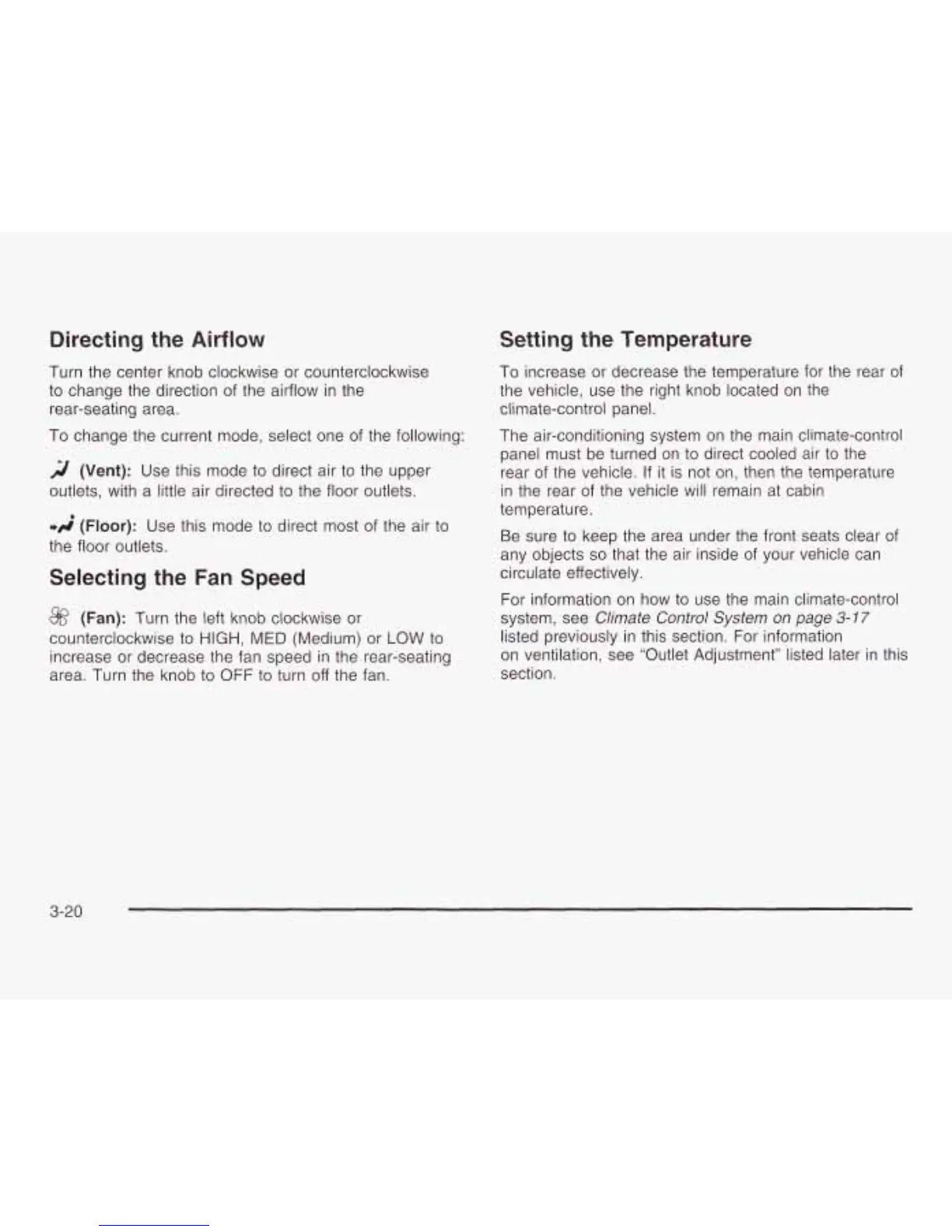
Turn the center knob clockwise or counterclockwise
to
change the direction
of
the airflow in the
rear-seating area.
To change the current mode, select one of the following:
2
(Vent):
Use this mode
to
direct air
to
the upper
outlets, with a little air directed
to
the floor outlets.
*A
(Floor):
Use this mode to direct most
of
the air
to
the floor outlets.
Selecting the
Fan
Speed
@
(Fan):
Turn the left knob clockwise or
counterclockwise
to
HIGH, MED (Medium) or
LOW
to
increase or decrease the fan speed in the rear-seating
area. Turn the knob
to
OFF
to
turn off the fan.
Setting the Temperature
To increase or decrease the temperature for the rear
of
the vehicle, use the right knob located on the
climate-control panel.
The air-conditioning system on the main climate-control
panel must be turned on
to
direct cooled air
to
the
rear
of
the vehicle.
If
it is not on, then the temperature
in the rear of the vehicle will remain at cabin
temperature.
Be sure
to
keep the area under the
any objects
so
that the air inside of
circulate effectively.
front seats clear of
your vehicle can
For information on how
to
use the main climate-control
system, see Climate Control System on page
3-17
listed previously in this section. For information
on ventilation, see “Outlet Adjustment” listed later in this
section.
3-20





 To Next Page