15
Fueling
Parking
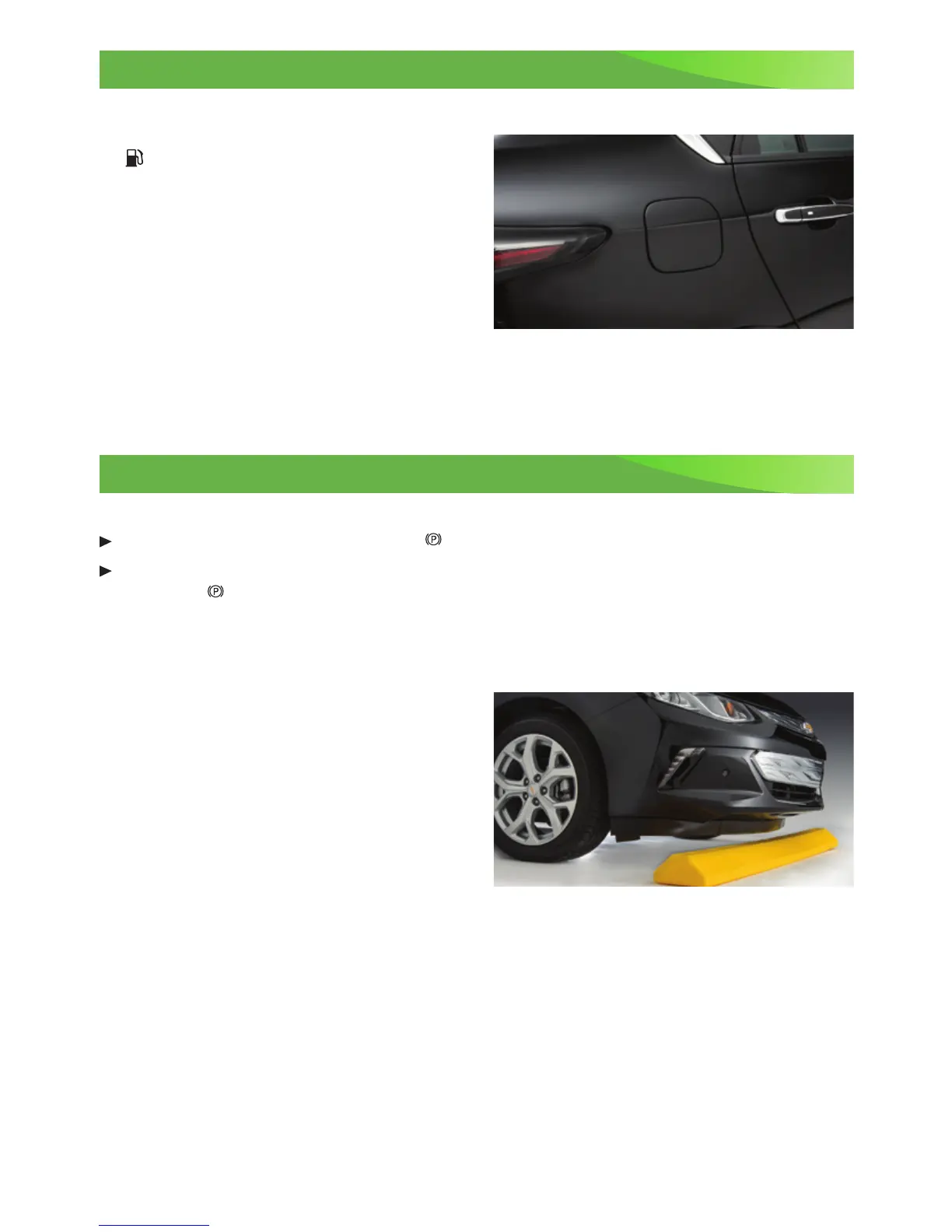
Filling the Fuel Tank
1. Turn off the vehicle and press the
Fuel door release button, located on
the driver’s door, for 1 second. The Wait
to Refuel message will display on the
instrument cluster.
2. When the Ready to Refuel message
displays, the fuel door on the passenger’s
side of the vehicle will unlock. It will not
open automatically.
3. Press the rear edge of the fuel door; it will pop open slightly. Open the door to
refuel the vehicle.
See Driving and Operating in your Owner Manual.
Electric Parking Brake
To apply the parking brake, pull the
Parking Brake switch by the shift lever.
To release the parking brake, with the vehicle powered ON, press the brake pedal and
press the
Parking Brake switch.
See Driving and Operating in your Owner Manual.
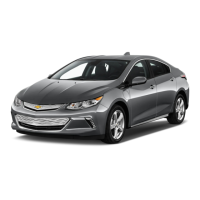
Low Ground Clearance
The low ground clearance of the Volt aids
in the aerodynamic efciency of the vehicle.
As a result, the exible air deector under
the front fascia (bumper) may contact a
parking block or curb if the vehicle is parked
too closely. Use care when parking to avoid
damage.
Pedestrian Safety Signal
The vehicle is equipped with an automatic sound generator. The sound is automatically
generated at speeds below 20 mph to indicate the vehicle’s presence to pedestrians.
See Driving and Operating in your Owner Manual.
See Vehicle Care in your Owner Manual.










 To Next Page