1-16 In Brief
Vehicle Features
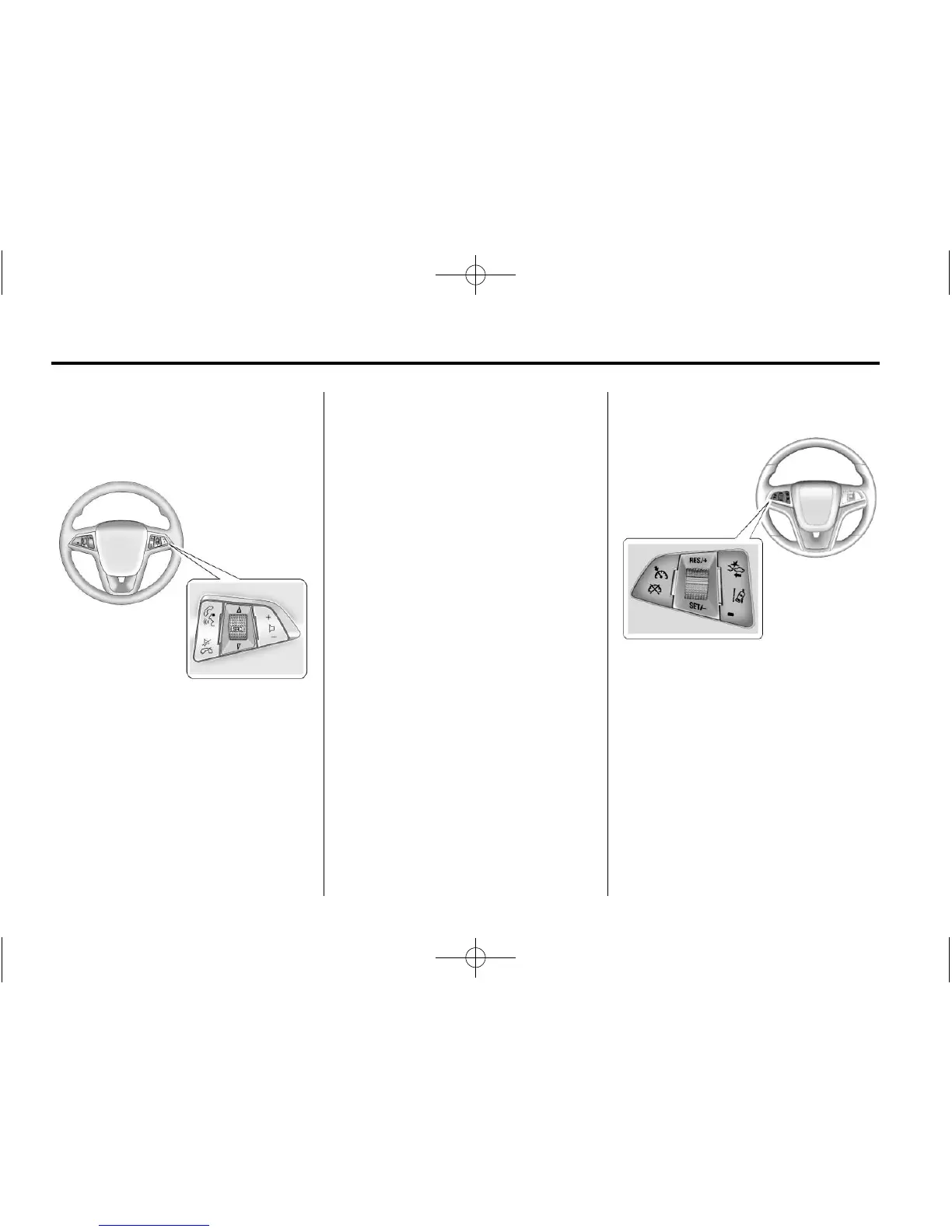
Steering Wheel Controls
b / g : Press to interact with the
phone or navigation system.
$ / i : Press to mute. Press
again to turn the sound on. Press to
reject an incoming call, or to end a
current call.
_ SRC ^ : Use to select a radio
band or audio source.
Use
_ or ^ to select the next or
previous favorite radio station, CD
track, or MP3 track.
Press SRC to change between
radio and CD.
Press and hold SRC to interact with
the navigation system.
+
x −: Press + to increase or − to
decrease the volume.
See Steering Wheel Controls on
page 5-5.
Cruise Control
The cruise control buttons are on
the steering wheel.
1 : Press to turn the cruise control
system on and off. An indicator light
will turn on or off in the instrument
cluster.
* : Press to disengage cruise
control without erasing the set
speed from memory.














 To Next Page