9
chickenguard.com
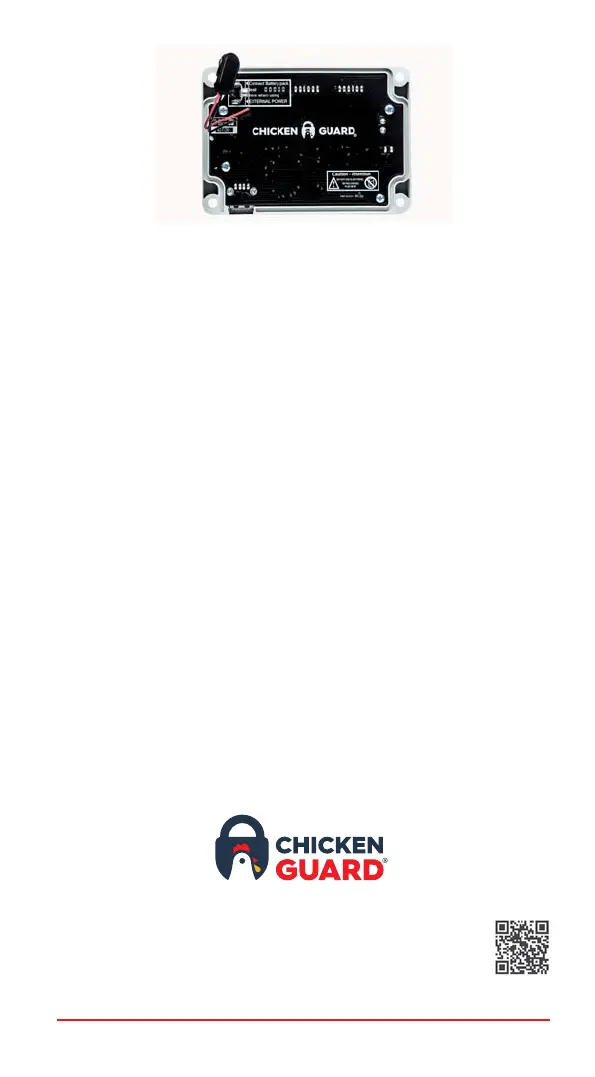
5. There is a USB port on the underside of the control box.
Simply plug the USB charger into the control box.
6. To disable the battery check, navigate into the MISC SETTINGS
menu and scroll through until you see EXTERNAL POWER. Select
YES and press MENU. You will now see on the main menu screen
a small flashing X in the lower righthand corner to signify that an
external power source has been connected.
www.chickenguard.com
For more information or help setting up your
ChickenGuard, visit our website for SETUP
videos or FAQs in our HELP CENTRE.


 To Next Page