GETTING TO KNOW YOUR VEHICLE 43
Front Map/Reading Lights — If Equipped
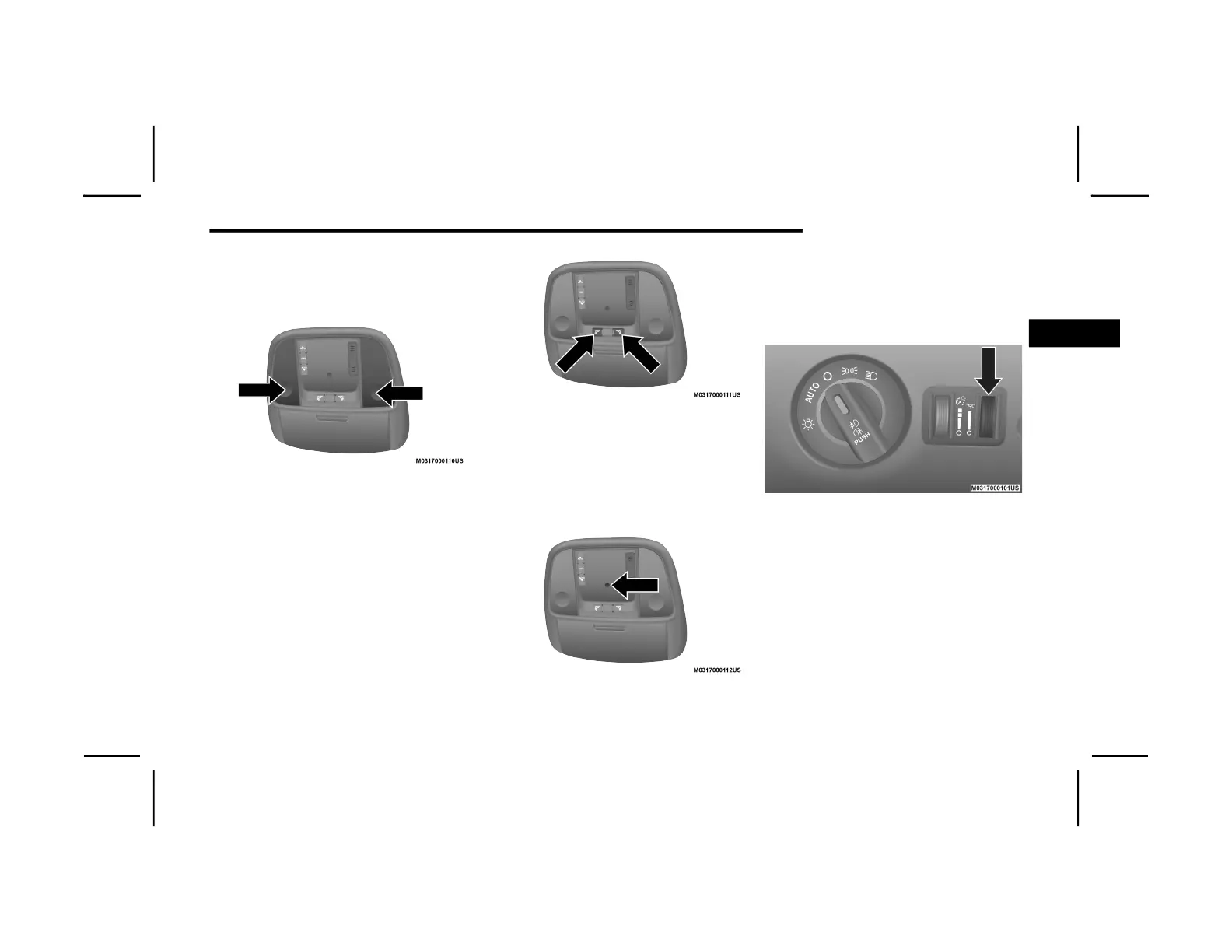
The front map/reading lights are mounted in
the overhead console.
Front Map/Reading Lights
Each light can be turned on by pushing a switch
on either side of the console. These buttons are
backlit for night time visibility. To turn the lights
off, push the switch a second time. The lights
will also turn on when the unlock button on the
key fob is pushed.
Front Map/Reading Light Switches
Ambient Light — If Equipped
The overhead console is equipped with an
ambient light feature. This light casts illumina-
tion for improved visibility of the floor and
center console area.
Ambient Light
Rotate the right dimmer control upward or
downward to increase or decrease the bright-
ness of the door handle lights, map pocket
lights, and ambient light located in the over-
head console.
Door Handle/Ambient Light Dimmer
2
20_LX_OM_ENA_GCC_t.book Page 43












 To Next Page