General Operation
INTERPRETING THE DISPLAY
Area
Function
Description
1
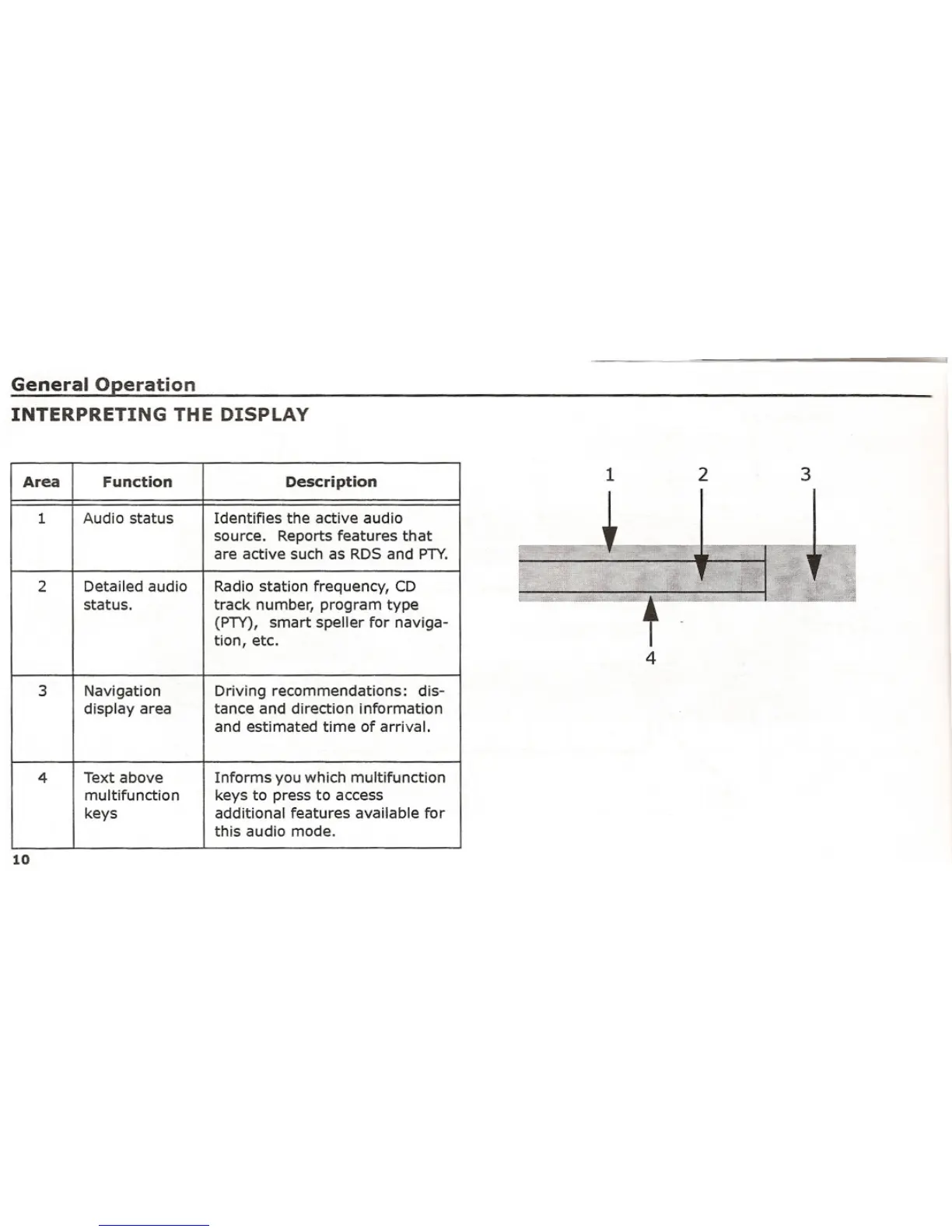
Audio statusIdentifies the active audio
source.
Reports features that
are active such as RDS and PTY.
2
Detailed audio
Radio station frequency, CD
status.
track number, program type
(PTY),
smart speller for naviga-
tion, etc.
3
Navigation Driving recommendations:
dis-
display area
tance and direction information
and estimated time of arrival.
4
Text above
Informs you which multifunction
multifunction
keys to press to access
keys
additional features available for
this audio mode.
10
1
4
2 3















 To Next Page