Radio Operation
Switch RDS Text On/Off
Broadcasters can transmit short messages to receivers
using RDS. For example, the name of the current pro-
gram the title of the song or a phone-in number.
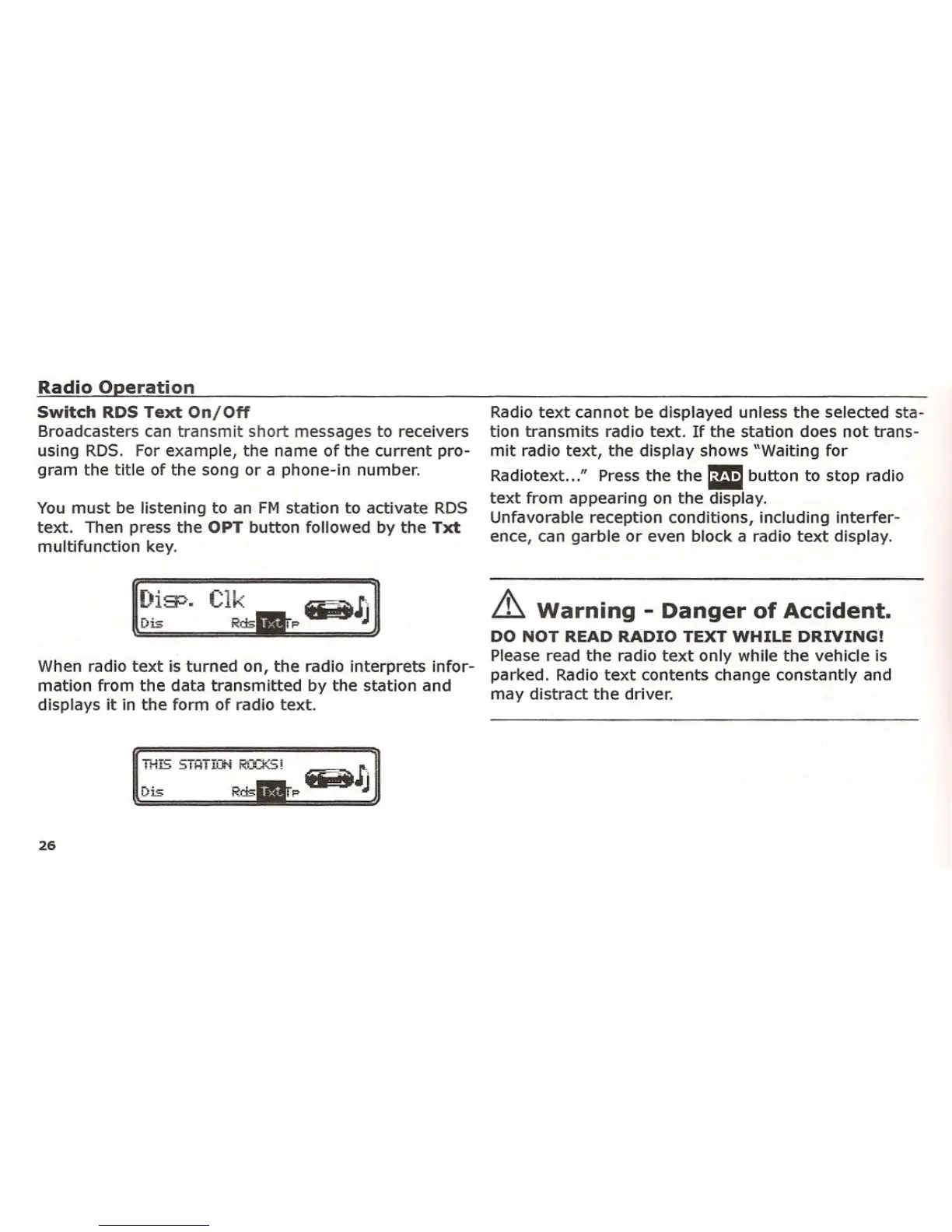
You must be listening to an FM station to activate RDS
text. Then press the
OPT button followed by the Txt
multifunction key.
Radio text cannot be displayed unless the selected sta-
tion transmits radio text. If the station does not trans-
mit radio text, the display shows "Waiting for
Radiotext ..." Press the the
Ebutton to stop radio
text from appearing on the display.
Unfavorable reception conditions, including interfer-
ence, can garble or even block a radio text display.
When radio text is turned on, the radio interprets infor-
mation from the data transmitted by the station and
displays it in the form of radio text.
[~i:=r::·.
i--'l!..'
~-.!"'.
Rds
~ Warning - Danger of Accident.
DO NOT READ RADIO TEXT WHILE DRIVING!
Please read the radio text only while the vehicle is
parked. Radio text contents change constantly and
may distract the driver.
TI-fG STHTICif'j RCO(S!
Dis Rds
26















 To Next Page