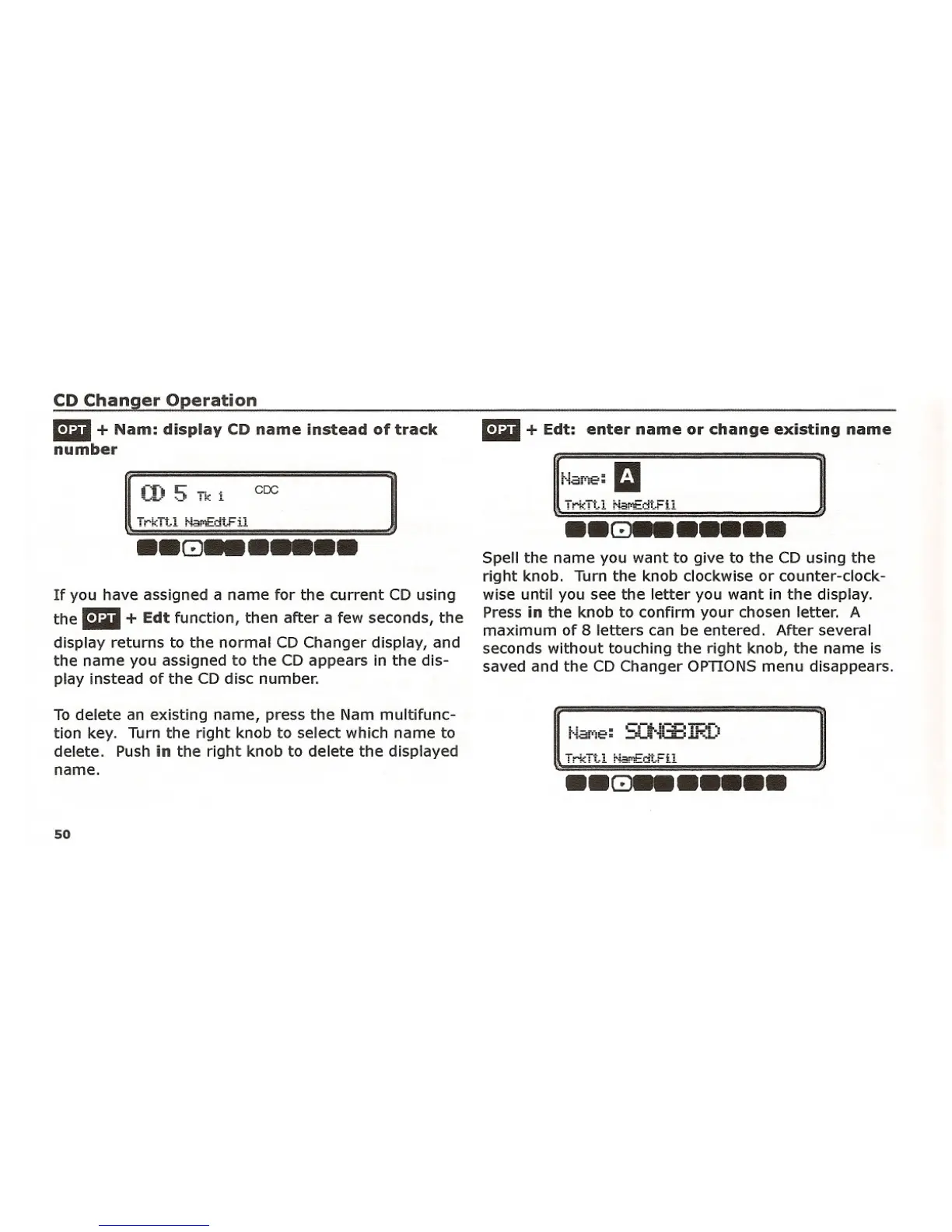
mil + Edt: enter name or change existing name
Spell the name you want to give to the CD using the
right knob. Turn the knob clockwise or counter-clock-
wise until you see the letter you want in the display.
Press
in the knob to confirm your chosen letter. A
maximum of 8 letters can be entered. After several
seconds without touching the right knob, the name is
saved and the CD Changer OPTIONS menu disappears.
CD Changer Operation
mil + Nam: display CD name instead of track
number
If you have assigned a name for the current CD using
the
mil + Edt function, then after a few seconds, the
display returns to the normal CD Changer display, and
the name you assigned to the CD appears in the dis-
play instead of the CD disc number.
INa~:a
~T""Ttl ""o£om;
•• GJ•••••••
]
To delete an existing name, press the Nam multifunc-
tion key. Turn the right knob to select which name to
delete. Push
in the right knob to delete the displayed
name.
50
irkit! ~ja!'1Ea't.Fil
..GJ_.....















 To Next Page