Navigation
Using the right knob, make a selection and press to
confirm. The following selections can be used as a
stopover:
• DESTINATION
• P.O.I.
• LAST DESTINATIONS
• DEST. MEMORY
NOTE: Stopovers are not stored in the last destination
memory.
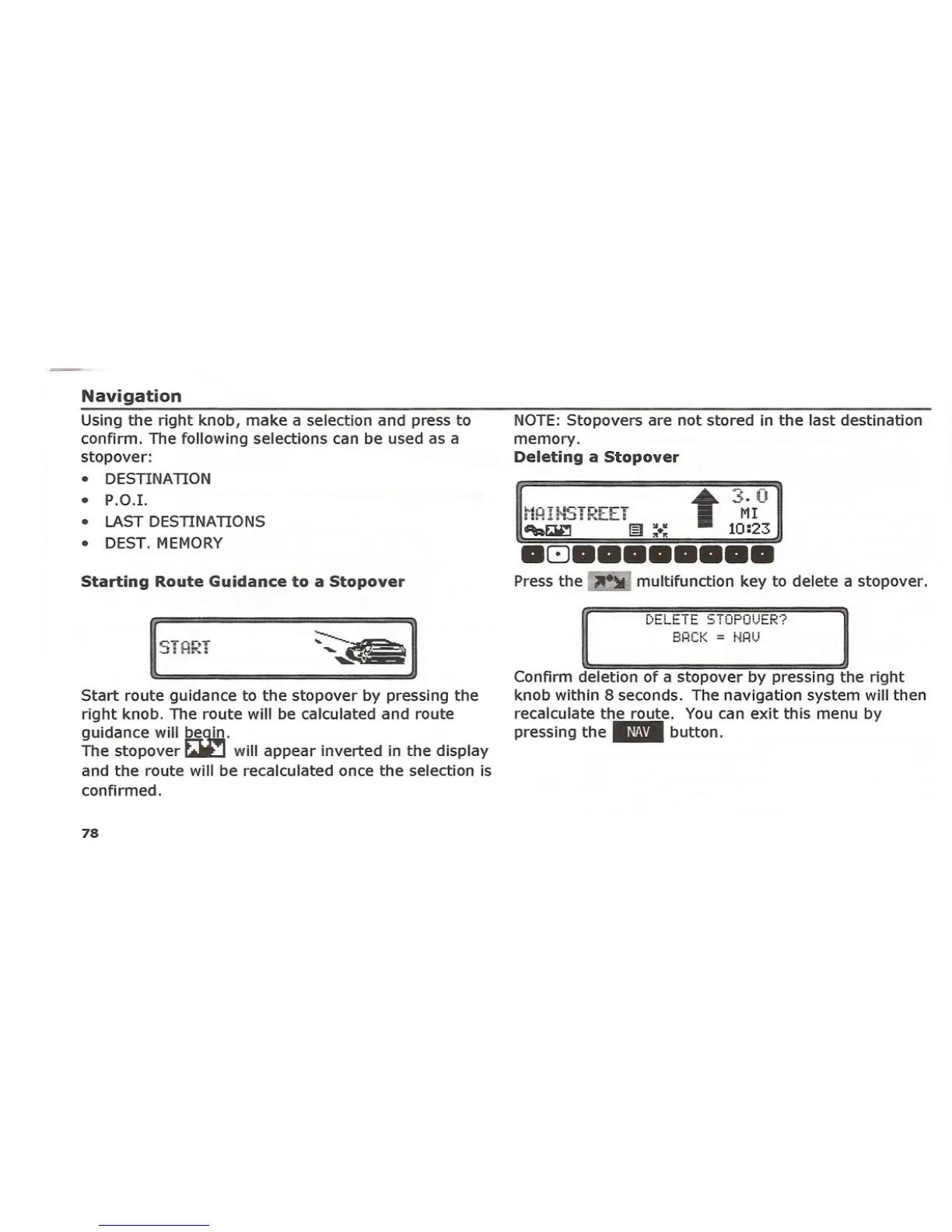
Deleting a Stopover
Starting Route Guidance to a Stopover
Press the ~
multifunction key to delete a stopover.
r",i...iL.. i i... cTnwnll •...u·"j:
i..-"i-i-i- I i- -J i Wi W"o,,·""i" •• :
BHCK = [·Hi!.)
Start route guidance to the stopover by pressing the
right knob. The route will be calculated and route
guidance will ~<U!J..
The stopover
r.»::J will appear inverted in the display
and the route will be recalculated once the selection is
confirmed.
78
Confirm deletion of a stopover by pressing the right
knob within 8 seconds. The navigation system will then
recalculate the route. You can exit this menu by
pressing the" button.















 To Next Page