General Operation
BUTTONS AN 0 KNOBS
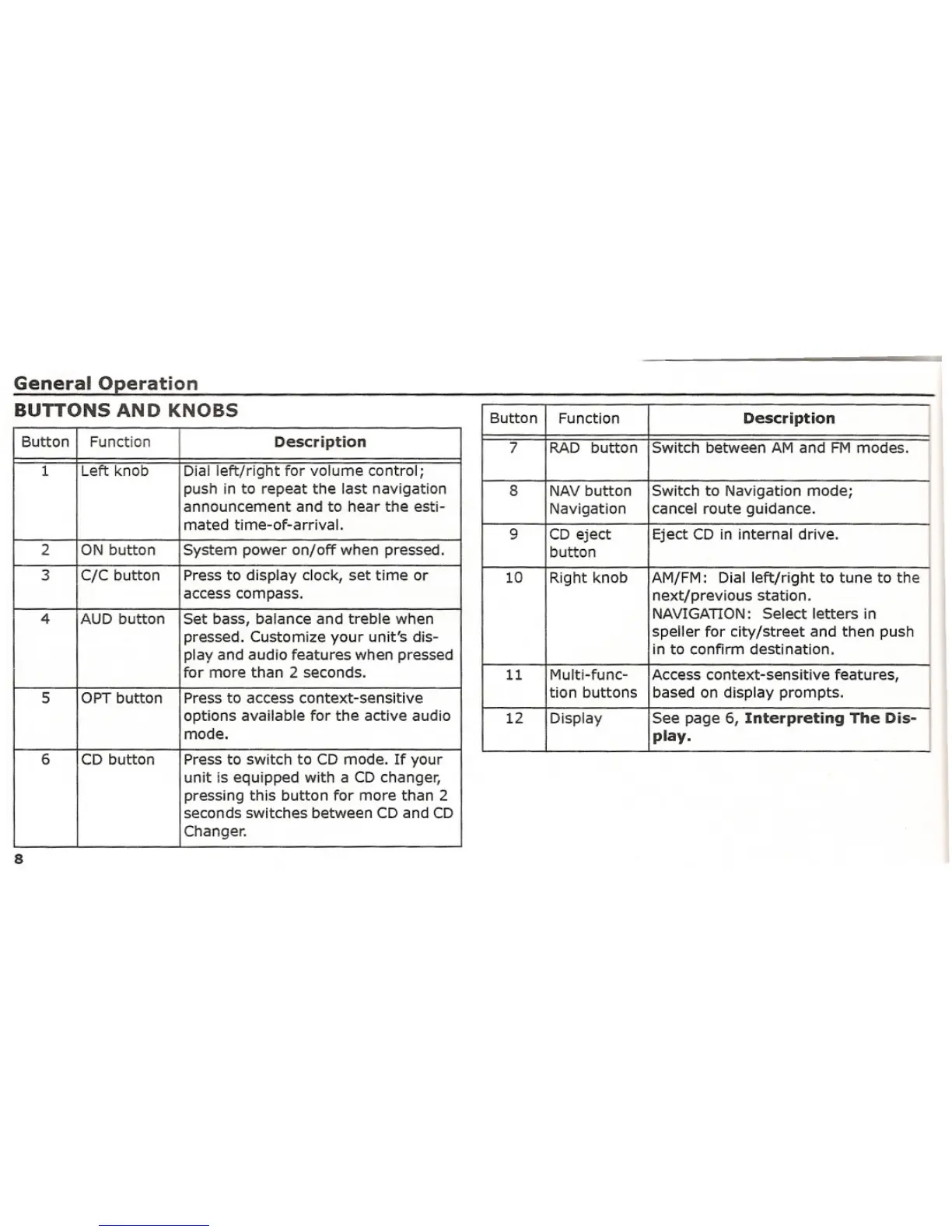
Button
Function
Description
1
Left knob
Dial left/right for volume control;
push in to repeat the last navigation
announcement and to hear the esti-mated time-of-arrival.
2
ON button
System power on/off when pressed.
3
C/C button
Press to display clock, set time or
access compass.
4
AUD button
Set bass, balance and treble when
pressed. Customize your unit's dis-
play and audio features when pressed
for more than 2 seconds.
5
OPT button
Press to access context-sensitive
options available for the active audio
mode.
6
CD button
Press to switch to CD mode. If your
unit is equipped with a CD changer,pressing this button for more than 2
seconds switches between CD and CD
Changer.
8
Button
Function
Description
I
7
RADbuttonSwitch between AM and FM modes.
I
8
NAV button
Switch to Navigation mode;
I
Navigation
cancel route guidance.
9
CD eject Eject CD in internal drive.
I
button
10
Right knob
AM/FM:
Dial left/right to tune to the
next/previous station.
NAVIGATION:
Select letters in
I
speller for city/street and then push in to confirm destination.
11
Multi-func-
Access context-sensitive features,
I
tion buttons
based on display prompts.
12
Display See page 6, Interpreting The Dis-
p~y. I















 To Next Page