EasyManua.ls Logo

Ciclo NAVIC 400 - User Manual

Ciclo NAVIC 400
30 pages
Print Icon
To Next Page IconTo Next Page
Loading...
Manual

Table of Contents

Other manuals for Ciclo NAVIC 400

Questions and Answers

  • N
    nrobinsonJul 28, 2025
    What to do if my Ciclo NAVIC 400 GPS device is not responding?
    • I
      iyatesJul 28, 2025
      If your Ciclo GPS device stops responding, it might be due to overloading. To resolve this, reset the unit by holding the ON/OFF button on the right side for about 15 seconds until it restarts.
  • V
    Victoria YoungAug 1, 2025
    Why my Ciclo NAVIC 400 navigation device does not start?
    • B
      Brittany SmithAug 1, 2025
      If your Ciclo GPS navigation device doesn't start, it's likely the battery capacity is too low. Connect the device to a power source. It should start automatically after a few minutes. If you're not using the device for a while, switch it off completely by pressing the on/off switch and tapping «Switch off».
  • M
    Michael ShawAug 7, 2025
    Why does my Ciclo NAVIC 400 GPS have no GPS reception?
    • T
      Timothy MorrisAug 7, 2025
      If your Ciclo GPS is experiencing interrupted or no GPS reception, it could be due to disturbances like forests, narrow urban areas, or heavy cloud cover. Try repositioning the device. Remember, at least 4 satellites are needed for navigation; you can check this info under «Settings» -> «GPS Info» on your device.
  • S
    swilliamsAug 12, 2025
    Why elevation jumps are included in the track of my Ciclo NAVIC 400 GPS?
    • C
      Christopher ThorntonAug 12, 2025
      If you're seeing elevation jumps in your Ciclo GPS track recordings, it's likely the barometer wasn't calibrated before starting. Calibrate the barometer manually by entering an altitude, especially before recording a track.
  • J
    Jeffrey StewartAug 17, 2025
    What to do if barometer values are not correct on Ciclo GPS?
    • J
      Jason HillAug 17, 2025
      If the barometer values on your Ciclo GPS aren't correct, it probably needs calibration. Calibrate the barometer regularly, especially with weather changes or significant altitude differences; consider doing it several times a day.
  • R
    Rebecca WaltonAug 21, 2025
    Why the destination I am looking for cannot be entered on Ciclo GPS?
    • M
      Matthew MooreAug 21, 2025
      If you can't enter the destination you're looking for on your Ciclo GPS, the corresponding country map may not be available, so check if the detailed map is included or pre-installed. Use the CicloGuide2 software for installation if needed. Alternatively, the town/street/house number may not be included in the map material. In that case, select an adjacent city/street/house number or manually set the destination in the «Map» view.

Summary

Safety Instructions and Maintenance

Security Advice

General safety advice for using the navigation device and avoiding risks.

Device Description

2.1 Device

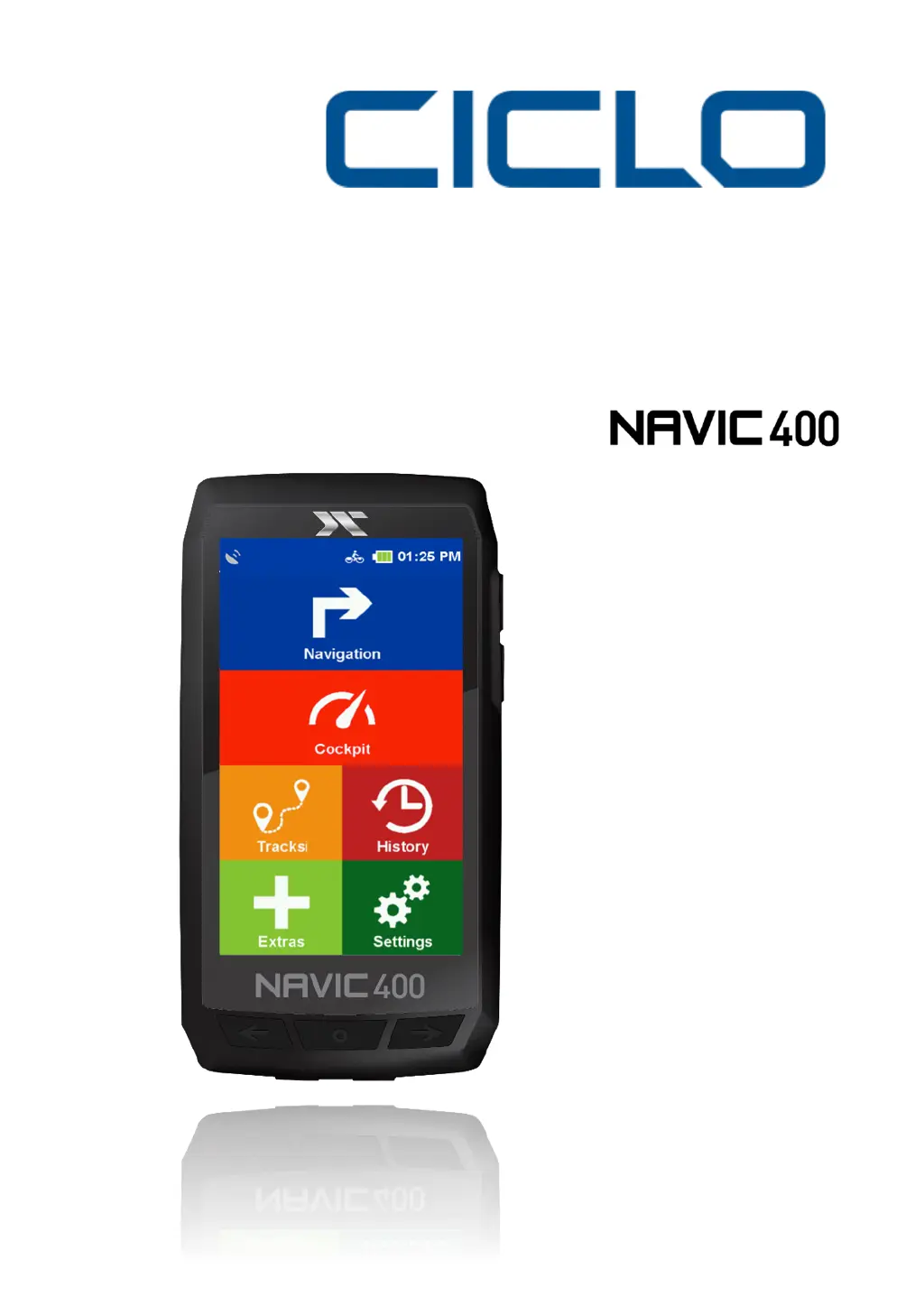
Details the physical components and buttons of the NAVIC 400 device.

2.2 Bracket

Explains how to mount the bracket to the bike and attach the device.

Main Screens

4.1 Navigation Screen

Details the components and information displayed on the navigation screen.

4.2 Cockpit

Describes the cockpit view showing measured values and configuration options.

Navigation

6.2 Route Proposal

Describes options for suggesting and calculating routes.

6.3 Address

Details how to enter an address for navigation.

6.5 Specific Objectives

Guides users on finding special destinations like restaurants or points of interest.

6.8 Way Points

Explains how to create, save, and navigate to waypoints.

Calculated Route

Draw Route

History

9.1 Recording Tracks

Explains how to start, pause, resume, and end track recordings.

Extras

16.3 Waypoint Manager

Manages created waypoints, including selection and creation.

Waypoint Manager

Settings

12.1 Navigation Settings

Allows adjustment of settings affecting route guidance.

Profiles

System; General

Tour Planner

Troubleshooting

Ciclo NAVIC 400 Specifications

General IconGeneral
TypeWireless bicycle computer
Product colorBlack
Time functionsClock
GPS (satellite)Yes
Speed functionsAverage speed, Current speed
Distance system of measurementMetric
Display diagonal4 \
Display resolution480 x 854 pixels
Internal memory8 GB
Compatible memory cardsMicroSD (TransFlash)
Storage temperature (T-T)-20 - 70 °C
Operating temperature (T-T)-10 - 60 °C
Battery typeLithium-Ion
Weight and Dimensions IconWeight and Dimensions
Depth22 mm
Width69 mm
Height130 mm